
Introduction
We live in a digital age where our online lives are just as important as our physical ones. From banking to social media, we rely on passwords to keep our personal information safe. But how strong are your passwords really? Are they protecting you, or leaving you vulnerable?
Why Passwords Matter
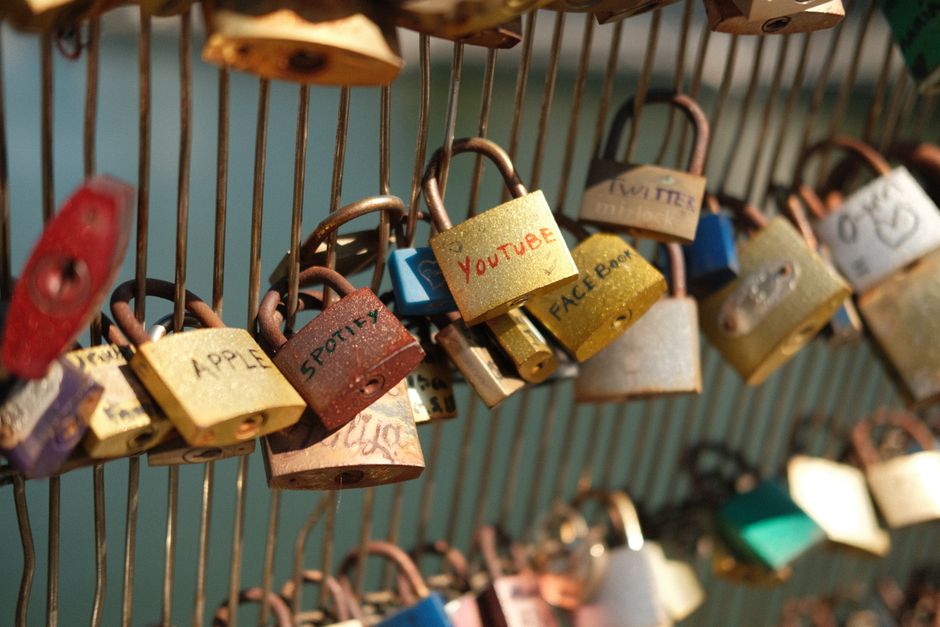
Password security is crucial in protecting your online identity. A weak password can open the door to hackers who are eager to steal your sensitive data. Think of your password as the lock on your front door. The stronger the lock, the safer you are.
Understanding Password Strength
Many people think that using their name or birthdate is enough, but that’s far from the truth. A strong password should be complex and unique. It should contain:
- At least 12 characters
- A mix of letters, numbers, and symbols
- No personal information
Common Password Mistakes
Let’s take a look at some of the most common password mistakes people make. Awareness can help you avoid these traps!
- Reusing passwords: Using the same password across multiple accounts makes it easy for hackers. If one site gets compromised, they can easily access your other accounts.
- Simple passwords: Passwords like ‘123456’ or ‘password’ are incredibly weak. They are the first guesses hackers will make.
- Writing passwords down: While it may seem convenient, jotting down passwords on paper puts them at risk of being seen by others.
Creating Strong Passwords
So, how do you create a strong password? Here are some simple techniques:
- Use a Passphrase: Instead of a single word, use a phrase. For example, ‘MyDogLovesToPlayFetch!’ is not only long but also easy for you to remember.
- Substitute Characters: Replace letters with numbers or special characters. For instance, ‘A’ can become ‘4’, and ‘S’ can become ‘$’.
- Mix Cases: Use a combination of uppercase and lowercase letters to add complexity.
Using a Password Manager
If you find it tough to remember all your unique passwords, a password manager can come to your rescue! These tools securely store your passwords and can even generate strong, random passwords for you.
Benefits of Password Managers
Here are some advantages of using a password manager:
- Secure Storage: They encrypt your passwords so they are safe from prying eyes.
- Password Generation: They can create complex passwords, so you don’t have to.
- Autofill: They automatically fill in your passwords on websites, streamlining your experience.
Two-Factor Authentication: Extra Security Layer
Even with strong passwords, it’s wise to add an extra layer of protection. This is where two-factor authentication (2FA) comes in. This means you’ll need a second piece of information to access your account.
This could be:
- A code sent to your phone
- A fingerprint
- A physical security key
Keeping Your Passwords Updated
Lastly, don’t forget to update your passwords regularly. Changing them every three to six months can prevent long-term access if a site you use gets compromised.
Signs You Need to Change Your Password
If you notice any unusual activity on your accounts—like receiving password reset links you didn’t request—or if a service you’re using has reported a data breach, it’s time to change your passwords immediately!
Conclusion
Password security is vital to keeping your online information safe. By creating strong, unique passwords and using tools like password managers and two-factor authentication, you can protect yourself against the majority of cyber threats. So take some time today to review your passwords and step up your security!