
Introduction
When it comes to online security, having a strong password is your first line of defense. Yet, many people still use simple passwords like ‘123456’ or ‘password.’ This blog post will dive into the world of password security and how you can make your accounts safer.
Why Are Passwords Important?
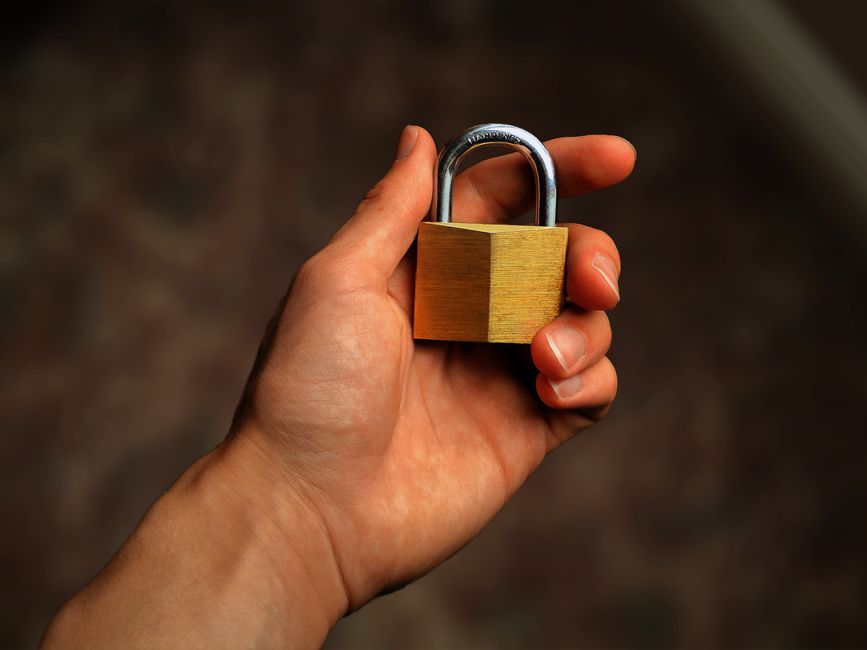
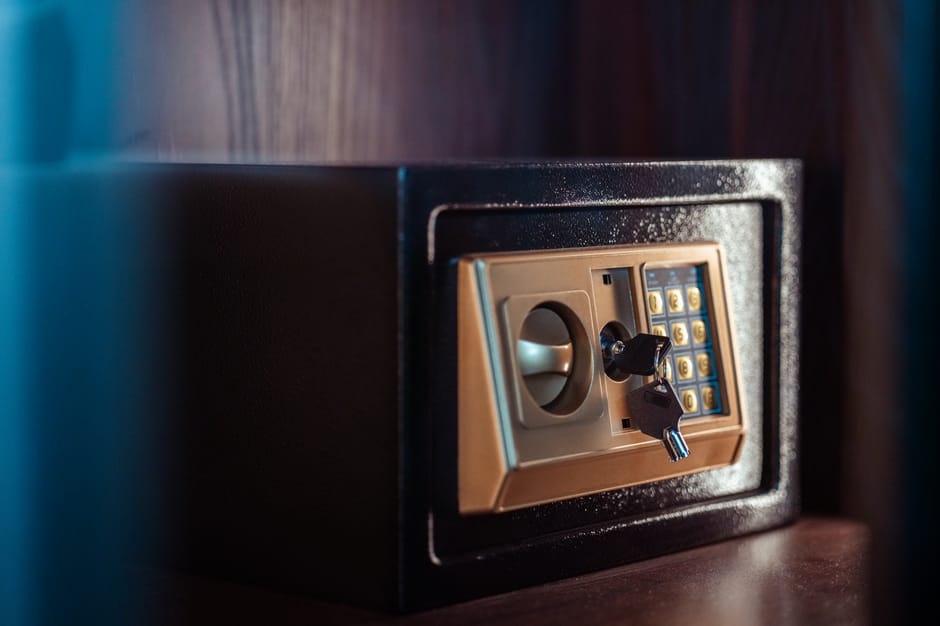
Your password is like a key to your house. It keeps intruders out and protects your valuable information. With the rise of identity theft and data breaches, having a robust password is more crucial than ever.
The Impact of Weak Passwords
Weak passwords can lead to devastating consequences. Here are some potential risks:
- Identity theft – Someone could impersonate you online.
- Financial loss – Cybercriminals could access your bank accounts.
- Data breaches – Personal information can be stolen and sold.
What Makes a Strong Password?
A strong password is essential for protecting your accounts. But what exactly makes a password strong? Let’s break it down:
- Length – Aim for at least 12 characters. The longer, the better!
- Diversity – Use a mix of uppercase letters, lowercase letters, numbers, and symbols.
- Avoid common words – Stay away from easily guessed terms, like your name or birthday.
Tips for Creating Strong Passwords
Now that you know what makes a strong password, here are some handy tips to create one:
- Passphrases – Instead of a single word, think of a sentence or a song lyric. For example, “I love ice cream on hot summer days!” could be a great passphrase.
- Randomized characters – Use a random generator to create a password. This helps avoid patterns that hackers can easily crack.
- Substitutions – Convert certain letters to numbers or symbols. For instance, you can replace ‘o’ with ‘0’ or ‘s’ with ‘$’.
Using Password Managers
If remembering complex passwords seems daunting, consider using a password manager. These tools help you create and store strong passwords safely. You only need to remember one master password, and the manager does the rest!
Benefits of Password Managers
Here are some reasons to use a password manager:
- Convenience – Automatically fills in your passwords for websites and apps.
- Security – It uses strong encryption to keep your passwords safe.
- Alerts – Some managers alert you if your passwords have been breached.
Changing Your Passwords Regularly
Even with a strong password, it’s still a good idea to change your passwords regularly. Aim for every 3-6 months or anytime you hear about a data breach involving services you use.
What to Do If Your Password is Compromised
Even with all these precautions, accidents can happen. If you suspect your password has been compromised:
- Change it immediately – The sooner, the better!
- Enable 2FA – Two-factor authentication adds an extra layer of security.
- Monitor accounts – Keep an eye on your accounts for any unusual activity.
Conclusion
In the digital age, password security is non-negotiable. By creating strong passwords, using password managers, and regularly updating them, you can better protect yourself from cyber threats. Remember, your password is your first line of defense—make sure it’s a strong one!