Introduction
In today’s digital world, passwords serve as the gatekeepers to our most sensitive information. From online banking to social media accounts, a strong password is your first line of defense against cyber threats. But many people still use easily guessable passwords, putting themselves at risk.
Why Password Strength Matters
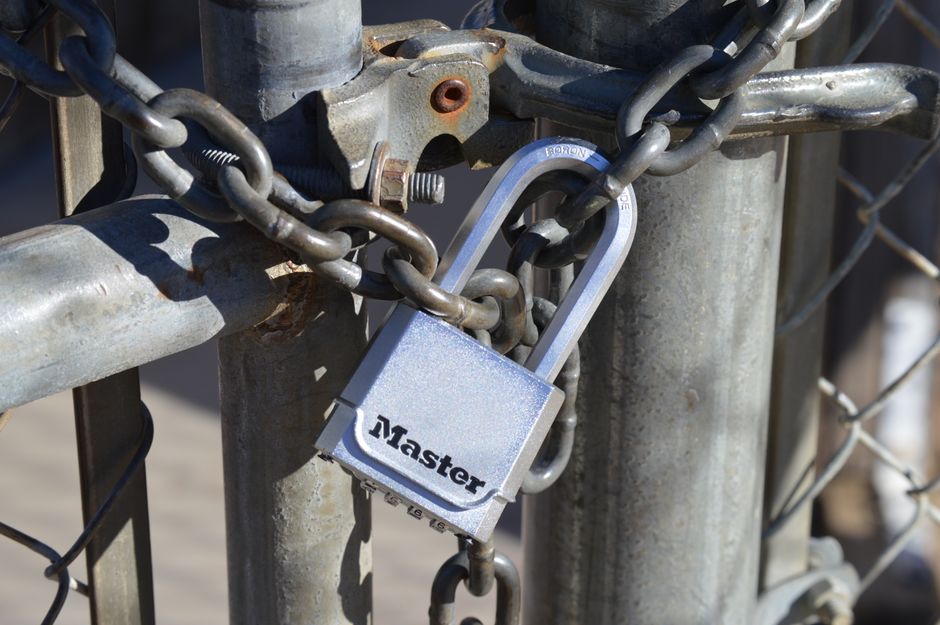
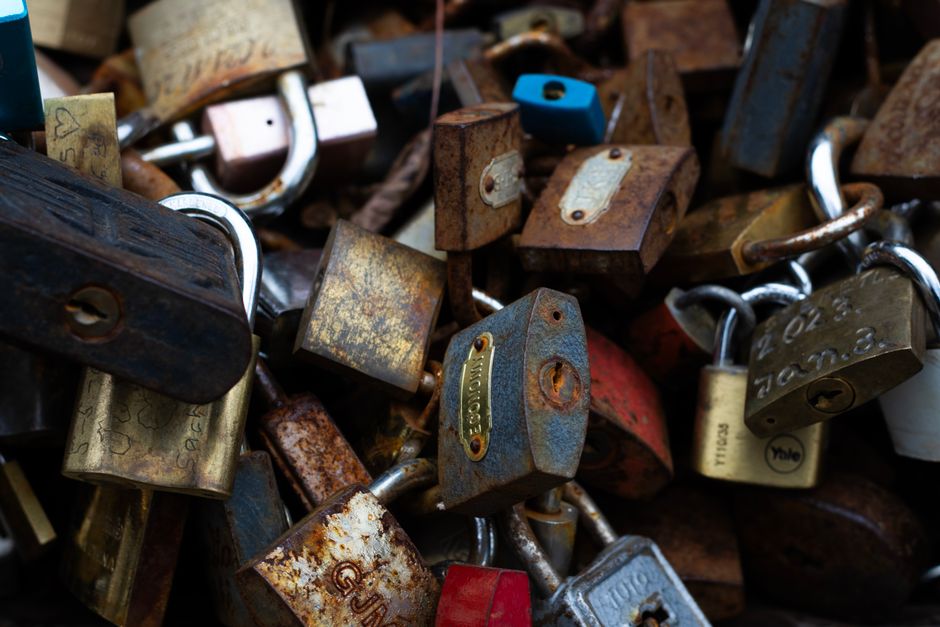
Think of your password as your home security system. Would you leave your front door unlocked? Probably not! A strong password prevents unauthorized access, protecting your data from identity thieves and hackers.
Common Password Pitfalls
Many of us fall into the trap of using simple passwords that are easy to remember. Here are some common mistakes:
- Using personal information like birthdays or pet names
- Opting for simple patterns, such as “123456” or “password”
- Reusing the same password across multiple sites
These practices make it easier for cybercriminals to gain access to your accounts.
The Anatomy of a Strong Password
So, what makes a password strong? Here are some criteria to consider:
- Length: Aim for at least 12-16 characters.
- Complexity: Use a combination of letters, numbers, and special characters.
- Unpredictability: Avoid common phrases or patterns.
A strong password is like a robust lock on your door—it keeps the bad guys out!
Tips for Creating Uncrackable Passwords
Here are some easy tips to help you craft strong passwords:
- Use a Passphrase: Combine random words into a phrase. For example, “Blue-Bicycle-Frog!92”. It’s easier to remember!
- Substitute Characters: Replace letters with numbers or symbols, like “@” for “a” or “3” for “e”.
- Utilize a Password Manager: These tools can generate and store complex passwords for you, so you don’t have to remember them all.
Implementing these strategies will bolster your password security significantly.
How to Manage Your Passwords Effectively
Managing multiple passwords can be overwhelming. Here are some methods to keep track:
- Write Them Down Securely: If you prefer pen and paper, keep your passwords in a safe place, not just under your keyboard.
- Regularly Update Your Passwords: Change your passwords every few months to reduce chances of being compromised.
- Enable Two-Factor Authentication: This adds an extra layer of security, requiring a second form of identification.
By using these management techniques, you can keep your passwords organized and secure.
When to Change Your Passwords
Even with strong passwords, it’s smart to be proactive. Change your password in the following situations:
- After a data breach is reported.
- If you suspect someone might have accessed your account.
- After using a public computer to log in to sensitive accounts.
Staying vigilant can help you maintain your security.
What to Do If Your Password Is Compromised
If your password is stolen or compromised:
- Change It Immediately: The sooner, the better.
- Notify Your Contacts: If it’s a social media account, let your friends know that they may receive suspicious messages.
- Monitor Your Accounts: Keep an eye on your bank and online accounts for unusual activity.
Taking swift action is crucial for minimizing damage.
Conclusion
Creating strong, unique passwords is essential in our digital age. Follow these tips, stay aware of potential threats, and protect your valuable online presence. Ultimately, the effort you put into your password security can save you a lot of hassle, time, and stress in the future.