Introduction
Have you ever wondered how to protect your online privacy in this digital age? With news about data breaches and cyber threats popping up every day, it’s natural to be concerned about your personal information.
One way to enhance your online security is by using a Virtual Private Network, or VPN. But what exactly is a VPN, and why should you consider using one? Let’s explore!
What is a VPN?
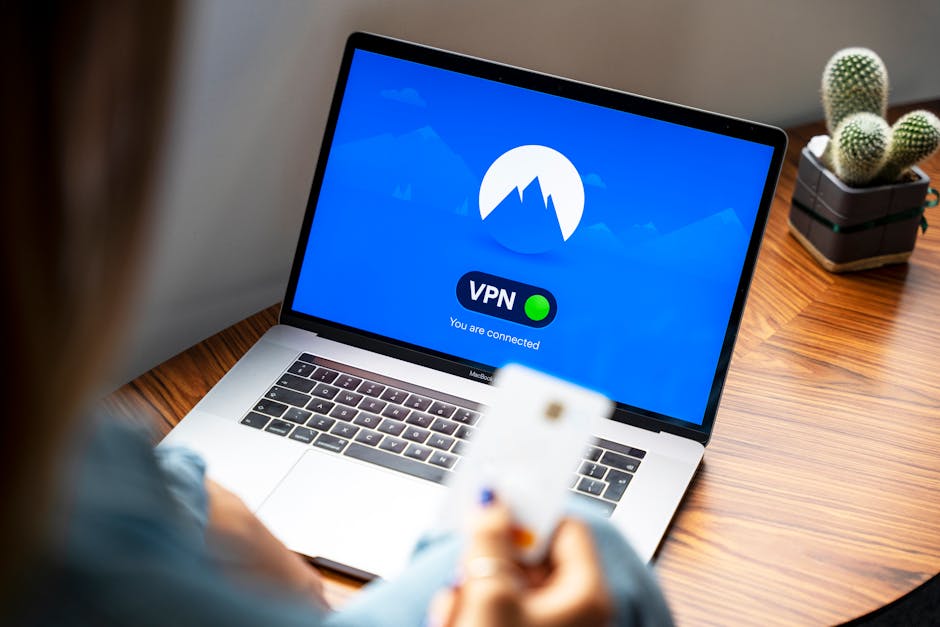
A VPN is a service that creates a secure connection between your device and the internet. It acts like a private tunnel that protects your data while you browse online.
When you connect to a VPN, your internet traffic is encrypted. This means that anyone trying to snoop on your activity — like hackers or even your Internet Service Provider (ISP) — won’t be able to see what you’re doing.
Why Use a VPN?
There are many reasons why people choose to use a VPN. Here are some of the most common:
- Privacy Protection: A VPN hides your IP address, making it difficult for anyone to track your online movements.
- Security on Public Wi-Fi: Public Wi-Fi networks, like those at coffee shops or airports, are often unsecured. A VPN adds a layer of protection against hackers on these networks.
- Access to Restricted Content: Some websites or streaming services limit access based on your location. A VPN can help bypass these restrictions by masking your location.
- Prevent Bandwidth Throttling: Some ISPs may slow down your connection based on your online activities. A VPN can help prevent this.
How Does a VPN Work?
When you connect to a VPN, here is what happens:
- Your device connects to the VPN server instead of connecting directly to the internet.
- Your data is encrypted on your device before it reaches the VPN server.
- Once your encrypted data reaches the VPN server, it decrypts and sends it out to the internet.
- When the data comes back, the VPN server encrypts it again and sends it back to you, where it is decrypted.
Choosing the Right VPN
Not all VPNs are created equal. Here are some factors to consider when choosing the right one for you:
- Privacy Policy: Make sure the VPN has a strict no-logs policy, meaning they don’t store any of your browsing history.
- Server Locations: More servers in different locations can give you better options for bypassing restrictions.
- Speed: Some VPNs can slow down your internet connection. Look for one that offers good speed without sacrificing security.
- Price: While there are free VPNs available, they often come with limitations. Paid services typically offer better features and security.
Common Myths About VPNs
There are many myths surrounding VPNs. Here are a couple of the most common:
- Myth 1: A VPN Makes You Completely Anonymous: While a VPN helps protect your privacy, it doesn’t make you entirely anonymous. Websites can still track you through cookies and other means.
- Myth 2: VPNs are Only for Techies: VPNs are user-friendly and can be set up easily by anyone, even if you’re not tech-savvy.
Conclusion
Using a VPN is a smart step towards protecting your online privacy and enhancing your security. It can shield you from prying eyes and keep your personal information safe, especially when using public Wi-Fi.
As you consider your options, remember to choose a VPN that fits your needs. This way, you can enjoy a safer online experience!