Introduction
Much like a good lock on your front door, your online >passwords play a crucial role in keeping your information safe. If you’ve been thinking >about password security lately, you’re not alone! With constant news about data breaches >and hacking stories, it’s clear we need to take our password game seriously.
Why Passwords Matter
Your passwords are your first line of defense against identity theft and cyberattacks. >Weak passwords can invite hackers right into your online accounts, exposing your private >data. Think of your passwords as a gateway; if they’re weak, anyone can walk right through.
What Makes a Strong Password?
A strong password should be long, complex, and unique. Here are some tips to help you create >strong passwords:
- Length is Key: Aim for at least 12 to 16 characters.
- Mix It Up: Use a combination of upper and lowercase letters, numbers, and special >characters.
- Avoid Common Words: Stay away from dictionary words, names, or birthdays.
- Unique for Every Account: Don’t reuse passwords across different sites.
Creating Strong Passwords with Strategies
Creating strong passwords doesn’t have to be a chore. Here are some fun strategies you can use:
- Passphrase: Use a phrase or a sentence that’s easy for you to remember but hard for >others to guess, like “MyDogLovesToBark@6AM!”
- Acronyms: Take the first letter of each word in a sentence you can remember. For example, >“I love eating pizza every Friday night!” could turn into “IlepeF@7n!”
- Random Words: Use four random words put together, such as “LaptopSkyBlueTaco!”
Using a Password Manager
If you’re finding it tough to remember all your unique passwords, a password manager could be >your best friend. These tools securely store all your passwords and can even generate >strong passwords for you. Just remember to keep your master password secure!
Two-Factor Authentication (2FA)
To add an extra layer of security, consider using two-factor authentication (2FA) on >your accounts. This means that even if someone gets your password, they would still need >a second form of verification, often from your phone or email, to access your account.
Staying Vigilant
No matter how strong your passwords are, it’s essential to stay vigilant. Here are some tips to >help you stay secure:
- Change Passwords Regularly: Make it a habit to change your passwords at least every six >months.
- Watch for Data Breaches: Use websites like “Have I Been Pwned” to check if your >email has been compromised.
- Be Wary of Public Wi-Fi: Avoid logging into critical accounts on public Wi-Fi networks.
Recognizing Phishing Scams
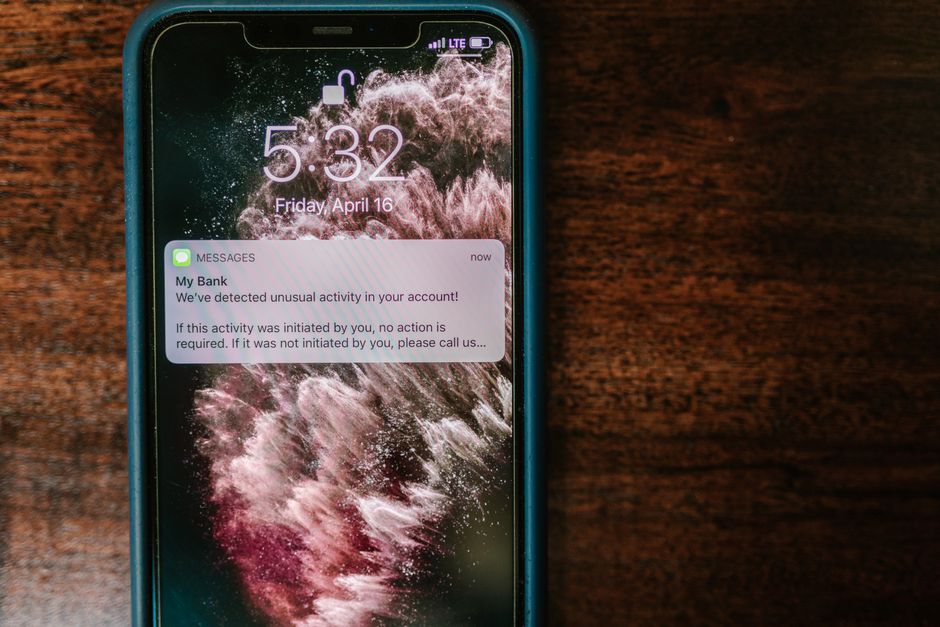
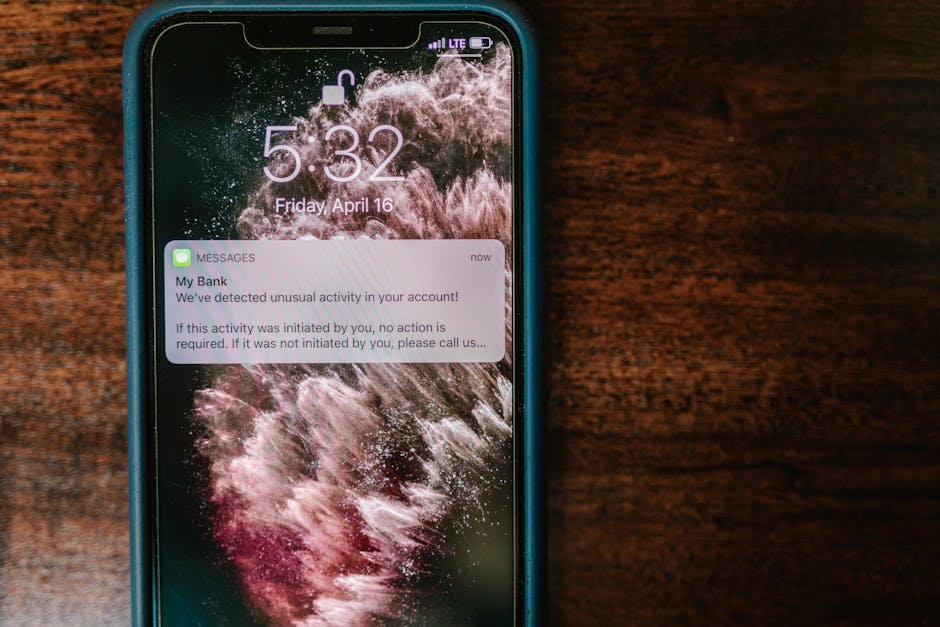
Another way hackers get hold of your passwords is through phishing scams. These are fake >emails or texts that look real but are designed to trick you. Always double-check the sender’s >email address and avoid clicking on suspicious links.
Conclusion
In conclusion, your passwords are a vital part of your online security. By using strong, >unique passwords, a password manager, and enabling two-factor authentication, you can give >yourself a fighting chance against cyber threats. Remember, a little effort goes a long way in >keeping your personal information safe!