Introduction
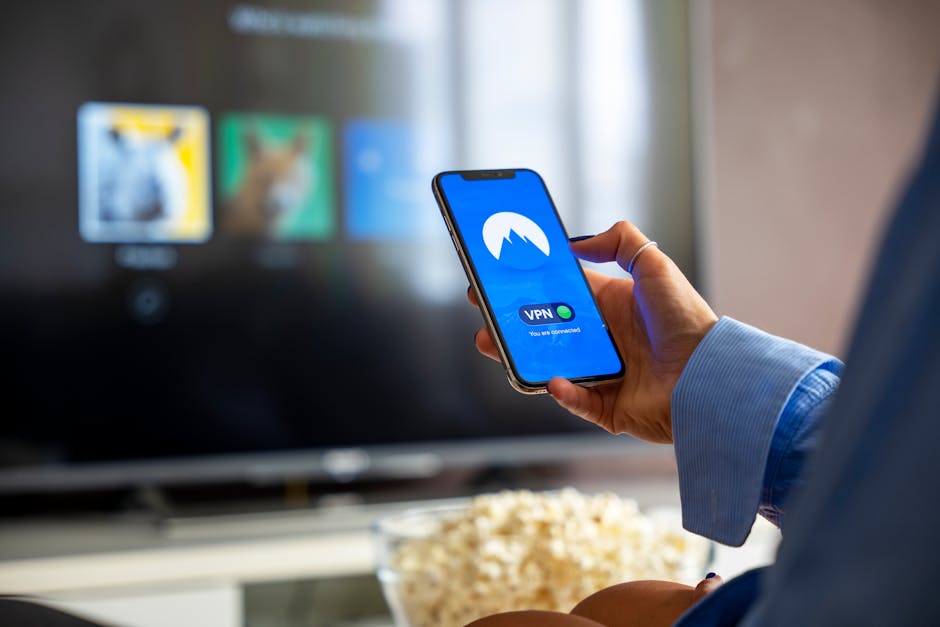
Have you ever wondered how to keep your online activities safe and private? In today’s digital world, where cyber threats are lurking at every corner, using a VPN (Virtual Private Network) can be a game changer. This blog post will explore what a VPN is, why you need one, and how it can help protect your online privacy.
What is a VPN?
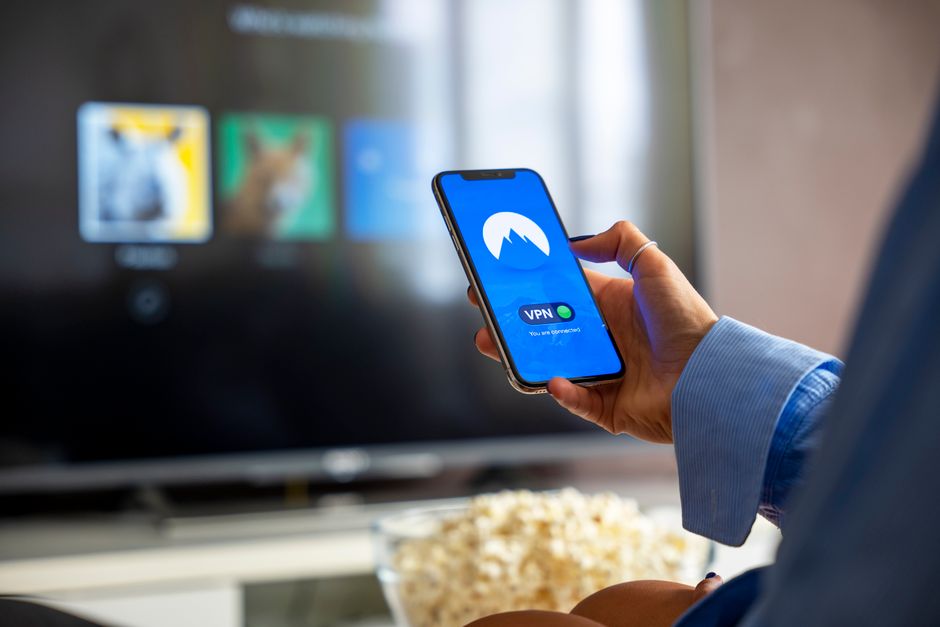
A VPN, or Virtual Private Network, is a tool that creates a secure connection between your device and the internet. It allows you to send and receive data while keeping your online activities private.
How Does It Work?
When you use a VPN, your internet traffic is routed through a remote server. This server masks your IP address, making it look like you’re browsing from a different location. Imagine wearing a mask in a crowded room; it keeps your identity hidden. Similarly, a VPN keeps your digital identity safe.
Why Should You Use a VPN?
Now that you know what a VPN is, let’s discuss why it’s essential for everyone. Here are a few compelling reasons:
- Enhanced Privacy: A VPN encrypts your internet traffic, which means that your online activities are hidden from prying eyes, including hackers and government surveillance.
- Secure Public Wi-Fi: Using public Wi-Fi can be risky. A VPN protects your connection, making it much safer to browse the internet in places like cafes and airports.
- Bypass Geo-Restrictions: Some websites or services are only available in specific countries. A VPN allows you to access this content by connecting to servers in those countries.
- Avoid Bandwidth Throttling: Internet service providers sometimes slow down your connection based on your online activities. A VPN can help you bypass these throttlings.
Choosing the Right VPN
There are many VPN services available, but not all are created equal. Here’s what to look for when selecting a VPN:
- Trustworthiness: Look for a VPN with a good reputation. Check reviews and see if it has a clear privacy policy.
- No-Log Policy: Choose a VPN that doesn’t keep logs of your online activities. This ensures your data stays private.
- Speed and Performance: A slow VPN can be frustrating. Opt for one known for good speed and reliability.
- Device Compatibility: Ensure that the VPN works on all your devices, including your smartphone, tablet, and computer.
How to Set Up a VPN
Setting up a VPN is usually straightforward. Here are general steps to follow:
- Choose a VPN Service: Decide on a VPN provider that meets your needs.
- Download and Install: Go to their website, download the app, and install it on your device.
- Log In: Create an account or log in if you already have one.
- Connect: Select a server location and click connect. Once connected, you’re browsing securely!
Common Misconceptions about VPNs
Despite the advantages, there are a few misconceptions about VPNs:
- VPNs are Only for Techies: This isn’t true! With user-friendly apps, anyone can use a VPN.
- VPNs Make Your Internet Slow: While some might slow you down, a good VPN should enhance your experience, especially on public Wi-Fi.
- VPNs Guarantee Total Privacy: While they significantly enhance privacy, no tool can offer 100% security. Stay cautious and informed!
Conclusion
In a world full of threats to your online security and privacy, using a VPN can offer peace of mind. It’s a simple, effective way to keep your personal information safe and ensure that you can browse without worry. So, what are you waiting for? Dive into the world of VPNs and take control of your online privacy today!