
Introduction
In today’s digital world, our lives revolve around passwords. From online banking to social media, passwords act like the keys to our virtual homes.
But how secure are these keys? With the rise of cyber threats, understanding password security is more important than ever.
The Importance of Strong Passwords
First things first: what makes a password strong? A strong password is one that is hard to guess or crack. It should contain a mix of letters, numbers, and special characters.
Here’s a quick checklist for creating strong passwords:
- At least 12 characters long
- Mix of uppercase and lowercase letters
- Inclusion of numbers and symbols
- No readily available information (like your name or birthdate)
By taking these steps, you increase the chances that your password will withstand hacking attempts.
Common Mistakes to Avoid
Even with good intentions, we often stumble upon common mistakes that weaken our password security. Let’s examine a few:
- Using the same password across multiple sites: If one site gets hacked, all your accounts are at risk!
- Writing passwords down: Keeping a physical list of passwords can lead to them falling into the wrong hands.
- Using obvious passwords: Avoid simple passwords like ‘123456’ or ‘password’.
The Role of Password Managers
Password managers can be your best friend in the world of online security. These tools help you create and store complex passwords securely. Here’s what they do:
- Generate strong passwords: Many password managers automatically create strong passwords for you.
- Auto-fill forms: They can fill in your login details, saving you time.
- Store securely: Your passwords are encrypted, meaning they are kept safe from prying eyes.
Two-Factor Authentication: An Extra Layer of Security
Another effective way to protect your accounts is through Two-Factor Authentication (2FA). This method requires not just your password but also something else, usually a code sent to your phone or email.
2FA makes it much harder for hackers to gain access, even if they have your password. Here’s how to enable it:
- Go to your account settings for the services you use.
- Look for the security options and find Two-Factor Authentication.
- Follow the instructions to set it up.
Keeping Your Passwords Updated
Just like changing your locks after moving into a new home, regularly updating your passwords is a good practice. Aim to change important passwords every few months, especially if you hear reports of data breaches involving services you use.
Even better, consider using a password manager that can remind you when it’s time to change passwords.
Recognizing Phishing Attacks
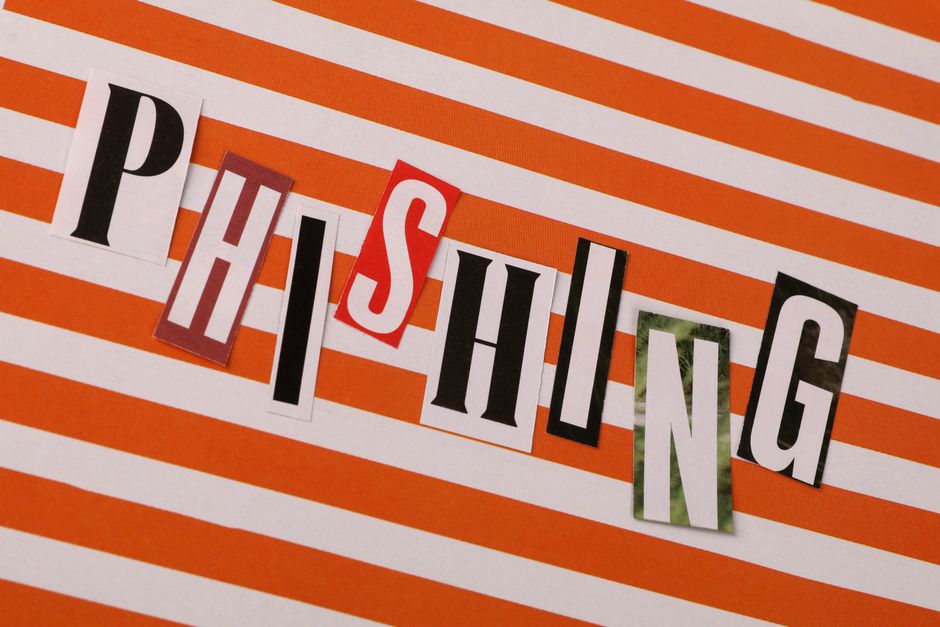
Even the strongest passwords can be at risk if you fall for phishing attacks. Phishing is a technique that tricks you into giving away personal information, usually through fake emails.
To avoid falling for these scams, keep these tips in mind:
- Check the sender’s email address for authenticity.
- Don’t click on suspicious links.
- Verify requests for personal information by contacting the company directly.
Conclusion
Securing your online life starts with understanding password security. By creating strong, unique passwords, using password managers, and enabling two-factor authentication, you can significantly reduce your risk of being hacked.
Remember, your online safety is in your hands. Take the time to implement these practices, and you’ll breathe easier knowing that your virtual keys are secure!