
Introduction
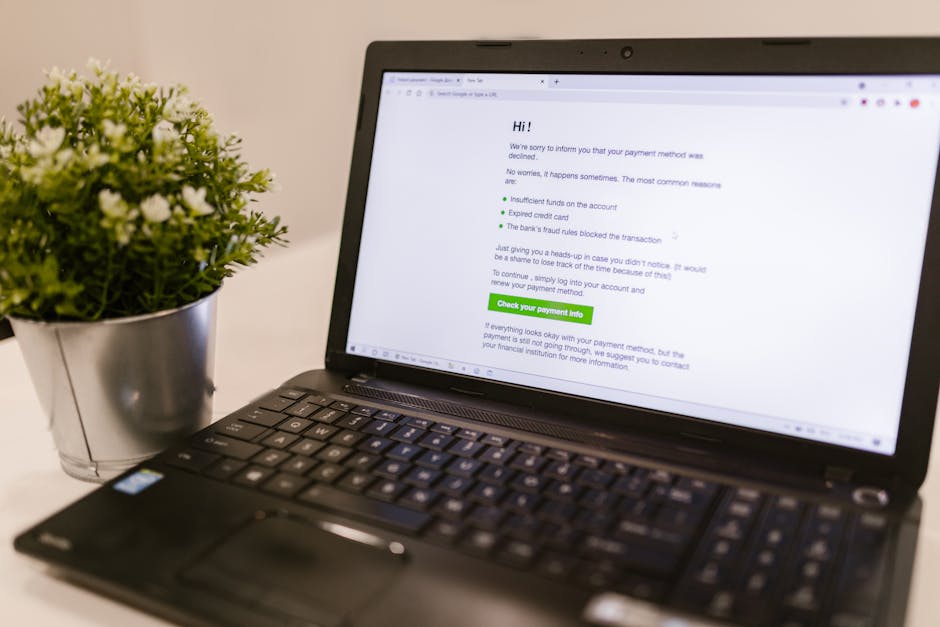
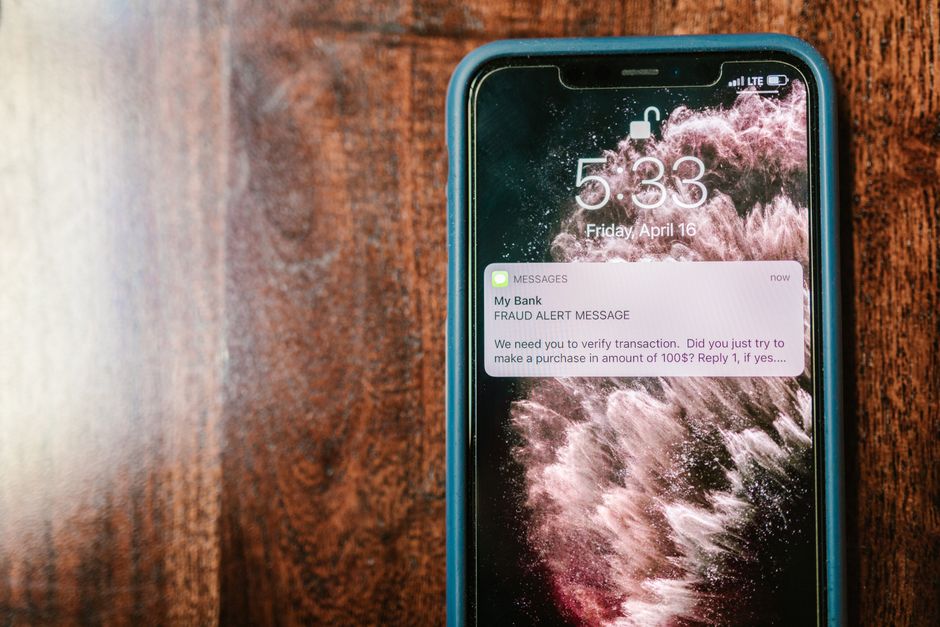
Have you ever received an email that looks like it’s from your bank, asking you to click a link to verify your account? Or a message that claims you’ve won a prize and need to provide personal information to claim it? These are examples of phishing scams, and they’re more common than you might think!
What is Phishing?
Phishing is a type of cybersecurity threat, where attackers try to trick you into giving them your personal information. This could be passwords, credit card numbers, or social security details. The emails or messages often look legitimate, making them hard to spot at first.
How Do Phishing Scams Work?
Phishing scams usually follow a pattern. First, the scammers create a fake website or email that looks real. They want you to click on a link that takes you to this fake site. Once you provide your information, it is sent straight to the scammers.
This can happen in various ways. The most common methods include:
- Email Phishing: Most phishing attempts come via email. They typically ask you to click a link or download an attachment.
- Spear Phishing: This targets specific individuals or companies. The emails are personalized, making them more convincing.
- Clone Phishing: In this case, a legitimate email is replicated but is sent from a fake address with malicious links.
- Whaling: This is a more targeted approach where high-profile individuals like CEOs are targeted.
Spotting Phishing Scams
Recognizing phishing emails is the first step in protecting yourself. Here are some tips:
- Check the sender’s email address: Look carefully at the email address. Sometimes they look similar to real addresses but have slight differences.
- Look for spelling and grammar mistakes: Many phishing emails are poorly written, so be on the lookout for errors.
- Beware of urgent language: Messages that pressure you to act quickly are often scams. Legitimate companies typically don’t rush you.
- Don’t click on links: Instead of clicking on links, hover over them to see where they lead. If the URL looks suspicious, don’t click!
What Should You Do If You Think You’ve Been Phished?
If you realize you’ve fallen victim to a phishing scam, it’s important to act fast:
- Change Your Passwords: Immediately change your passwords for affected accounts. Make sure you use a strong password!
- Enable Two-Factor Authentication: This adds an extra layer of security to your accounts.
- Monitor Your Accounts: Keep an eye on your bank and credit card statements for any unauthorized transactions.
- Report the Scam: Notify your bank and report the phishing attempt to the authorities or the company being impersonated.
Preventing Phishing Attacks
Prevention is better than cure! Here are some tips to help you avoid future phishing scams:
- Use Security Software: Keep your antivirus and anti-malware software updated. They can help spot phishing attempts.
- Keep Your Software Updated: Software updates often include security patches that can protect you from vulnerabilities.
- Educate Yourself: Stay informed about the latest phishing scams. Awareness is your best defense!
- Be Skeptical: If something seems off, trust your instincts and don’t take risks.
Conclusion
Phishing is a serious threat, but being informed helps you stay safe. Always be cautious about the information you share online and think twice before clicking on links in emails. Remember, if something seems too good to be true, it probably is!
Stay safe, and happy browsing!