Introduction
In today’s world, we live so much of our lives online. Whether it’s shopping, socializing, or working, we share a lot of personal information on the internet. But have you ever thought about what happens to that information?
Online privacy is not just a tech issue—it’s a personal one. It affects each and every one of us. In this blog post, we’ll uncover the secrets of protecting your privacy online and why it matters.
Understanding Online Privacy
Online privacy means keeping your personal information safe from prying eyes. This includes things like your name, address, credit card numbers, and any other sensitive data.
Every time you use the internet, your information is at risk. Whether you’re browsing a website, clicking on a link in an email, or even just searching on Google, your data can be collected and used without your knowledge.
Why Should You Care About Online Privacy?
You might be thinking, “I’m just an ordinary person. Why would anyone care about my information?” Here’s the truth: hackers and cybercriminals take advantage of ordinary individuals every day.
Here are a few reasons to care about your online privacy:
- Identity Theft: Cybercriminals can steal your personal information, leading to fraud and financial loss.
- Targeted Advertising: Companies track your online behavior to bombard you with ads tailored to you, often without your consent.
- Surveillance: Governments, businesses, and other entities may monitor your online activities for various reasons, which can invade your privacy.
Steps to Protect Your Online Privacy
Now that you understand what’s at risk, let’s look at how to protect yourself online. Here are some practical steps you can take:
1. Use Strong Passwords
Your password is the first line of defense. A strong password should be long, unique, and complex. Avoid using easily guessed information like birthdays or names.
2. Enable Two-Factor Authentication
Two-factor authentication (2FA) adds an extra layer of security. Even if someone gets your password, they’ll need a second verification step—like a code sent to your phone—to access your account.
3. Regularly Review Privacy Settings
Social media and other websites often have privacy settings you can adjust. Take the time to review your settings and limit what information you share publicly.
4. Be Wary of Public Wi-Fi
Public Wi-Fi networks can be dangerous. Cybercriminals can easily intercept your data on unsecured connections. Try to avoid accessing sensitive information while on public Wi-Fi. If you must use it, consider using a VPN.
5. Use a Reliable VPN
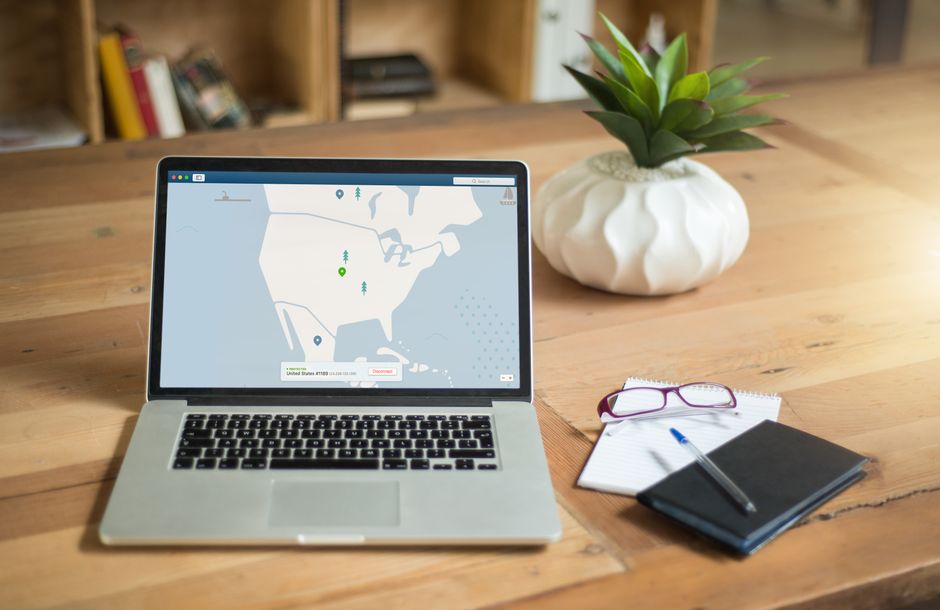
A VPN, or Virtual Private Network, encrypts your internet connection, making it harder for outsiders to see what you’re doing online. It’s a great tool to use, especially on public Wi-Fi.
6. Keep Software Up to Date
Staying updated is crucial. Software updates often contain security patches that protect against new threats. Make it a habit to regularly check for updates on your devices.
7. Be Cautious with Email Links and Attachments
Phishing scams often come through emails that look genuine but aim to steal your information. Always double-check the sender’s address and avoid clicking on suspicious links or attachments.
8. Use Privacy-Focused Browsers
Consider using browsers that prioritize user privacy. These browsers block trackers and ads that infringe on your privacy.
Conclusion
In conclusion, online privacy is a serious matter that deserves your attention. By taking simple yet effective steps, you can protect your personal information and ensure that your online activities remain private.
Remember, the internet is a public place. The more you know about how to protect yourself, the safer you will be. Start implementing these steps today and take charge of your digital life!