Introduction
In today’s digital world, passwords are our first line of defense. With everything from online shopping to bank accounts requiring access, a strong password is crucial. But many of us still use weak passwords, putting our personal information at risk.
The Importance of Strong Passwords
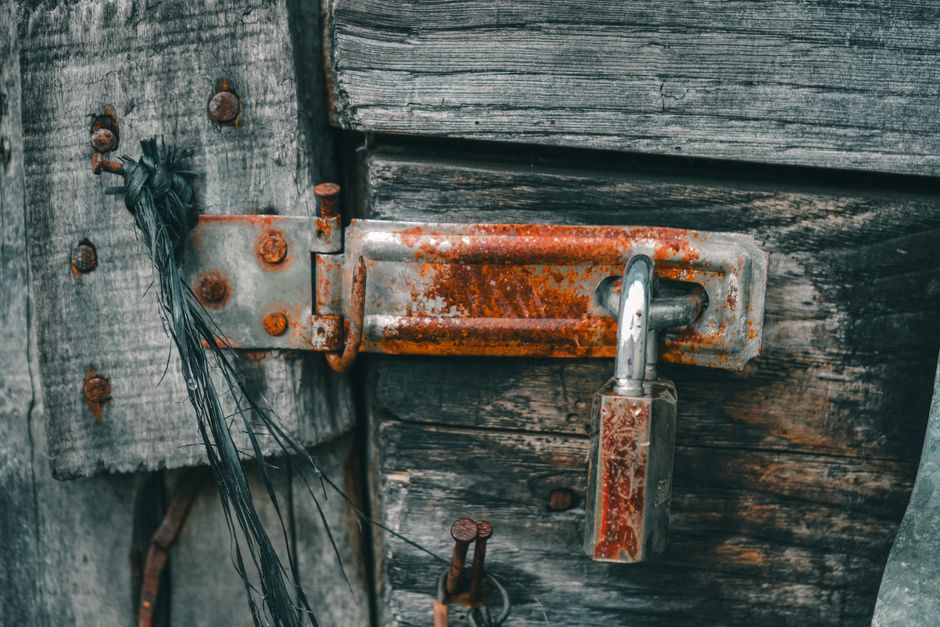
Think of your password like the lock on your front door. If it’s easy to pick, intruders can easily get in. A strong password acts like a sturdy lock, keeping cybercriminals out. This is especially important as hacks and data breaches are on the rise.
Common Password Mistakes
Many people make the same mistakes when it comes to password security. Here are some of the most common:
- Using easily guessable passwords like “123456” or “password”.
- Reusing the same password across multiple sites.
- Ignoring the importance of password length.
- Not updating passwords regularly.
These mistakes can put your personal data in jeopardy.
How to Create a Strong Password
Creating a strong password doesn’t have to be complicated. Here are some tips:
- Use a mix of characters: Combine uppercase letters, lowercase letters, numbers, and special symbols.
- Make it long: The longer your password, the harder it is to crack. Aim for at least 12 characters.
- Think unique: Avoid using common words or phrases; instead, try to create a unique combination.
- Change passwords often: Regularly update your passwords to enhance security.
By following these tips, you can create strong passwords that provide better protection.
Do You Need a Password Manager?
Remembering multiple unique passwords can be challenging. This is where a password manager comes in handy. A password manager stores your passwords securely, making them easy to access without needing to memorize every single one.
Using a password manager can also help in:
- Generating strong passwords for you.
- Autofilling your credentials on websites.
- Backing up your passwords securely.
Many reliable options are available, so consider trying one out if you struggle with remembering complex passwords.
Two-Factor Authentication: Adding Extra Security
While having strong passwords is essential, it’s not a foolproof solution. Cyber threats evolve, and hackers are continuously finding new ways to bypass defenses. That’s where two-factor authentication (2FA) steps in.
2FA requires a second form of verification, usually a code sent to your mobile device or an email when you log in. This means that even if someone gets hold of your password, they still can’t access your account without that second factor.
How to Enable Two-Factor Authentication
Most major online services offer two-factor authentication. Here’s how to enable it:
- Log in to your account and go to security settings.
- Look for the option for two-factor authentication and select it.
- Follow the prompts to either enter your phone number or set up an authenticator app.
It might seem like an extra step, but it is worth the added layer of security.
Signs Your Password Might Be Compromised
It’s also important to stay vigilant. Here are some signs that your password may have been compromised:
- You receive alerts for unauthorized login attempts.
- Your accounts show activities you didn’t initiate.
- You can’t access your account because of a failed password.
If you notice any of these signs, change your password immediately and enable two-factor authentication if you haven’t already.
Conclusion
Your passwords are critical to your online safety. By creating strong, unique passwords and enabling two-factor authentication, you drastically reduce the risk of becoming a victim of cybercrime. Remember, being proactive about your password security is the best way to protect your personal data in an ever-evolving digital landscape.
Stay safe online!