Introduction
In today’s digital age, online privacy is more important than ever. With countless personal details shared every day, it’s easy to feel vulnerable. But don’t worry! In this guide, we’ll explore simple ways to protect your privacy online and keep your information safe.
What is Online Privacy?
Online privacy refers to the protection of your personal information while you browse, share, and communicate on the internet. This includes everything from social media posts to banking information. When we think about privacy, we often imagine keeping secrets. But online, it’s much more than that—it’s about control over your data.
Why Should You Care?
Every time you go online, you leave a digital footprint. This can be harmless, like looking up recipes, or dangerous, like sharing sensitive information. Here are a few reasons to care about your privacy:
- **Identity theft**: Hackers can steal your personal information and use it to commit fraud.
- **Data misuse**: Companies might collect your data without your consent and use it in ways you wouldn’t approve of.
- **Targeted ads**: Your online behavior can result in unwanted ads tailored to you, which can feel invasive.
Basic Steps to Protect Your Online Privacy
Fortunately, there are several straightforward steps you can take to enhance your online privacy. Here’s a handy checklist:
- Use Strong Passwords: Always create unique and complex passwords for your accounts. A good password should be at least 12 characters long, containing a mix of letters, numbers, and symbols.
- Enable Two-Factor Authentication: This adds an extra layer of security by requiring a second form of verification, like a text message, before you access your account.
- Be Cautious with Public Wi-Fi: Avoid accessing sensitive information on public networks, as they can be easy targets for hackers.
- Regularly Update Your Software: Keeping your devices and applications updated helps patch security vulnerabilities.
- Limit Data Sharing: Review app permissions and only share information that is necessary.
Using a VPN for Enhanced Privacy
A strong tool for maintaining your online privacy is a Virtual Private Network (VPN). A VPN encrypts your internet connection, making it much harder for anyone to see what you do online. Here are some benefits of using a VPN:
- Enhanced Security: A VPN secures your connection, especially when using public Wi-Fi.
- Privacy from ISPs: It prevents your Internet Service Provider (ISP) from tracking your browsing habits.
- Access to Restricted Content: You can bypass geographical restrictions and view content that might not be available in your country.
Be Wary of Phishing Attempts
Phishing scams are another threat to your online privacy. These scams trick you into revealing personal information, typically through fake emails or websites. Here’s how to recognize phishing:
- Check the sender’s email address: If it looks suspicious, don’t click on links.
- Beware of urgent language: Scammers often create a sense of urgency to make you act quickly.
- Look for typos: Many phishing emails contain spelling and grammar errors.
Managing Your Social Media Presence
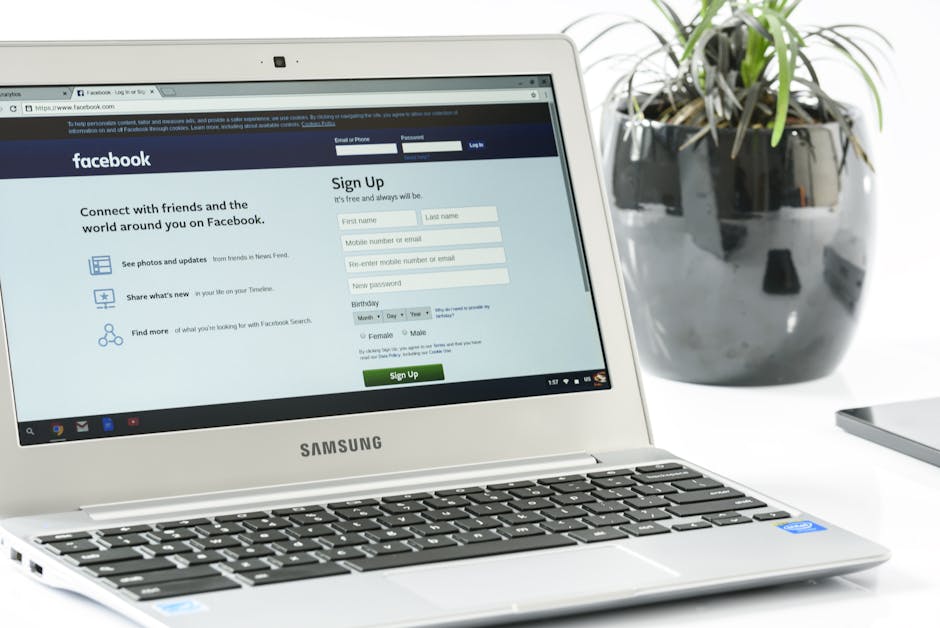
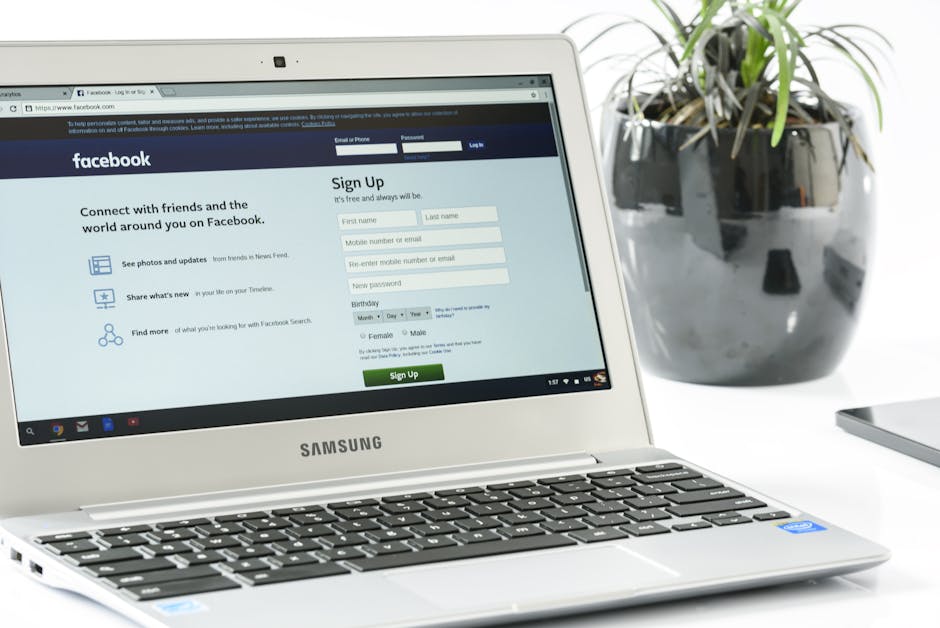
Social media is a primary way we connect, but it can also expose us to privacy risks. Here are some tips for managing your social media presence:
- Review Privacy Settings: Ensure your accounts are set to private to limit who can see your posts.
- Think Before You Post: Share only information that you wouldn’t mind a stranger knowing.
- Be Selective with Friend Requests: Only accept requests from people you know personally.
Conclusion
Protecting your online privacy doesn’t have to be complicated. By following these simple practices, you can take charge of your digital information and keep it safe. Remember, the internet can be a wonderful place, but it’s important to be vigilant. Armed with these tips, you can confidently navigate online spaces without sacrificing your privacy!