
Introduction
Have you heard the term VPN tossed around but never fully understood what it is? You’re not alone! In 2023, using a VPN has become increasingly important for protecting your online privacy. Let’s dive into what a VPN is, why you should consider using one, and how it can help keep your personal information safe.
What is a VPN?
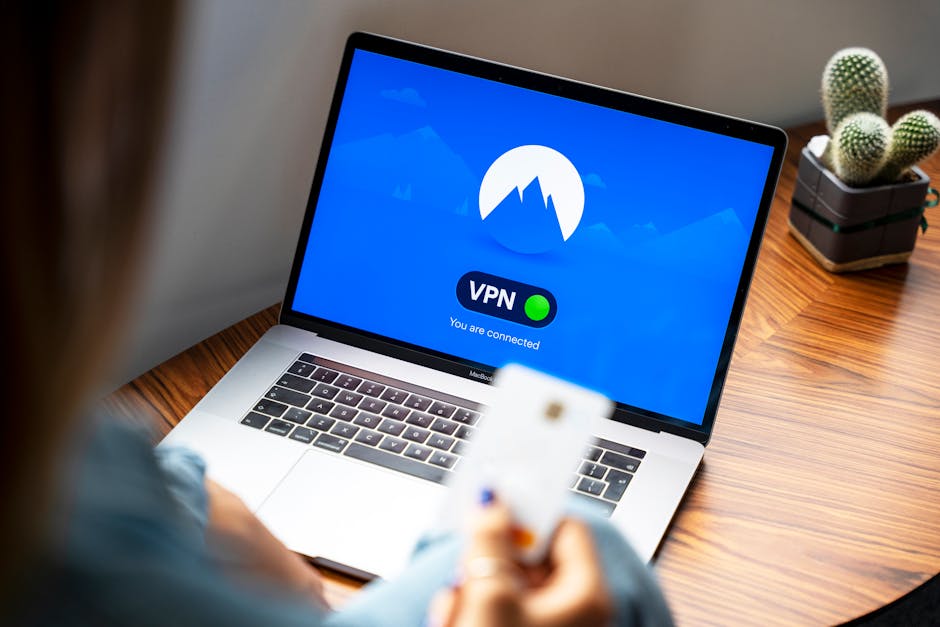
A Virtual Private Network, or VPN, is a tool that creates a secure connection between your computer and the internet. Think of it as a secure tunnel that encrypts your data, making it very difficult for anyone to see what you’re doing online. This includes your internet service provider (ISP), hackers, and even government agencies.
Why Use a VPN?
There are numerous reasons to use a VPN, but here are some of the most compelling:
- Privacy Protection: A VPN hides your IP address, making it harder for advertisers and other entities to track your online activity.
- Secure Public Wi-Fi: Public Wi-Fi networks are notoriously unsafe. A VPN ensures that your data remains encrypted and protected, even if you are using a coffee shop’s free internet.
- Access Restricted Content: Some websites or streaming services are geo-blocked based on your location. A VPN allows you to connect to a server in another country, bypassing these restrictions.
- Prevent Bandwidth Throttling: Some ISPs slow down your internet speed if they detect heavy usage. With a VPN, they won’t know what you’re doing, thus avoiding any throttling.
How Does a VPN Work?
It may sound complicated, but using a VPN is surprisingly simple! When you connect to the VPN, it masks your real IP address with one from the VPN server. As your data travels through the tunnel, it gets encrypted. This means even if someone manages to intercept your data, it will be unreadable.
Choosing the Right VPN
With so many VPN providers out there, it can be tough to choose the right one for you. Here are a few factors to consider:
- Security Features: Look for strong encryption protocols and features like a kill switch, which disconnects you from the internet if the VPN connection drops.
- Speed: Some VPNs can slow down your internet speed. Reviews can provide insights into how each service performs.
- No-Log Policy: Ensure that the VPN provider doesn’t keep logs of your activity. This helps keep your information private.
- Device Compatibility: Check if the VPN works on devices you own, such as smartphones, tablets, and computers.
Common Misconceptions About VPNs
Many people have misconceptions about VPNs. Let’s set the record straight:
- VPNs are Only for Criminals: This is completely untrue! While VPNs can be used for illegal activities, the vast majority of users simply want to protect their privacy.
- VPNs Slow Down Your Internet: This can occur with some VPNs, but many quality providers actually enhance your speed by avoiding throttling.
- All VPNs are Free: While there are free VPNs available, they often come with limitations like data caps, slower speeds, and less security. Investing in a reputable paid VPN is usually worth it.
How to Set Up a VPN
Setting up a VPN is usually straightforward:
- Choose a VPN provider and sign up for a plan.
- Download and install the VPN application on your device.
- Log in with your account details.
- Choose a server location and connect. You’re now protected!
Conclusion
In a world where our online activities are constantly under scrutiny, using a VPN is more important than ever. Whether you’re browsing at home or on the go, a VPN provides an extra layer of security, ensuring that your personal information remains private. Remember, choosing the right VPN can make all the difference in protecting your online life. So, go ahead and consider making a VPN part of your everyday internet routine!