
Introduction
We all love having an internet connection wherever we go, and public Wi-Fi makes that possible. But have you ever stopped to consider how safe it really is? Unfortunately, public Wi-Fi networks can be a hotbed for various cyber threats. In this post, we’ll explore the dangers of public Wi-Fi and provide you with essential tips to stay safe while browsing.
Why Public Wi-Fi is Useful
Public Wi-Fi is incredibly convenient. Whether you’re at a coffee shop, airport, or library, it allows you to connect to the internet without using your mobile data. This can save you money, especially when traveling or spending time outside of your home or office. However, the convenience comes with significant risks.
The Risks of Using Public Wi-Fi
When you connect to a public Wi-Fi network, there are several dangers to be aware of:
- Data Interception: Hackers can easily intercept the data transmitted over public networks. This means they can see what websites you’re visiting and what information you’re sending.
- Man-in-the-Middle Attacks: In this kind of attack, the hacker positions themselves between you and the network. They can then alter communications without your knowledge.
- Malware Distribution: Some malicious users set up fake hotspots to spread malware to unsuspecting devices connected to their network.
- Session Hijacking: If you’re logged into websites without secure connections, a hacker can take over your session and access your accounts.
How to Protect Yourself on Public Wi-Fi
Despite the risks, there are ways to enjoy the benefits of public Wi-Fi while minimizing potential threats. Here are some tips:
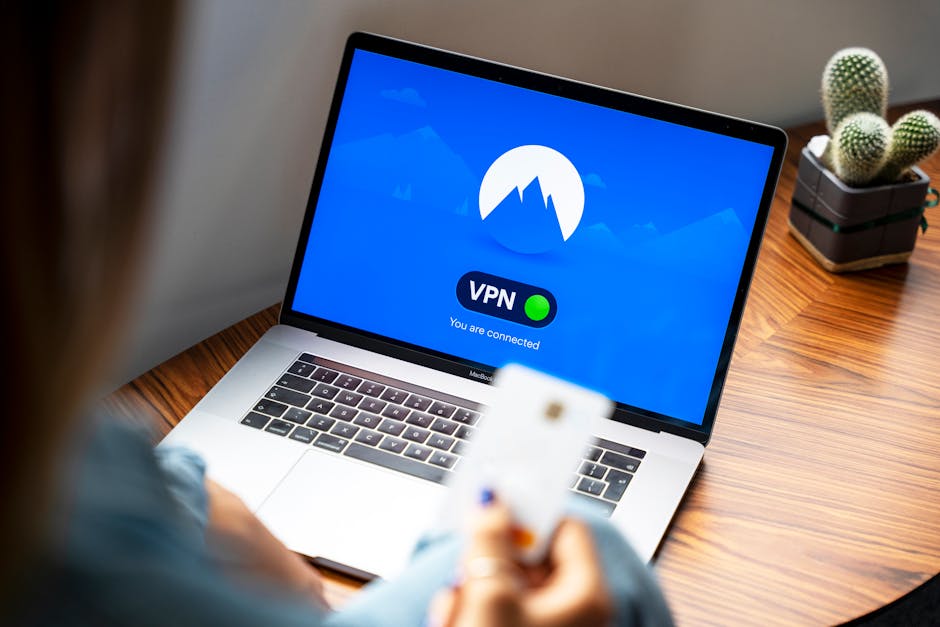
- Use a VPN: A Virtual Private Network encrypts your internet traffic, making it much harder for hackers to intercept your data. Invest in a reputable VPN service.
- Turn Off Sharing: Before connecting to public Wi-Fi, turn off file sharing, printer sharing, and any other sharing options in your device’s settings.
- Forget the Network: After using a public Wi-Fi network, make sure to forget it. This prevents your device from automatically reconnecting to the network in the future.
- Enable Two-Factor Authentication: For accounts that allow it, enable two-factor authentication (2FA). This adds an extra layer of security, even if a hacker gets your password.
- Look for HTTPS: Whenever possible, only visit websites that start with HTTPS. This signifies that the website has a secure connection.
When to Avoid Public Wi-Fi
In some cases, it’s best to skip public Wi-Fi altogether. Consider avoiding these situations:
- If you need to access sensitive data, like your bank account or personal emails.
- When you’re working on confidential business documents or projects.
- If the Wi-Fi network is unprotected, “open,” or if the login method seems suspicious.
Recognizing Secure Connections
Knowing how to recognize secure connections is crucial. Always check for a padlock symbol next to the web address in your browser. This indicates that the connection is encrypted. If you don’t see the padlock, think twice before entering any personal information.
Conclusion
Public Wi-Fi offers great convenience, but it also comes with substantial risks. By being aware of the threats and taking the necessary precautions, you can enjoy a safer online experience. Always remember that when it comes to cybersecurity, it’s better to be cautious than to regret it later!