Introduction
In today’s digital world, our lives are intertwined with technology. From social media to online shopping, we share a lot of personal information daily. But have you ever thought about who might be watching?
Online privacy is more important than ever. Protecting your personal data helps keep identity thieves and hackers at bay. Let’s explore some simple ways to enhance your privacy while browsing the internet.
What is Online Privacy?
Online privacy refers to the right to keep your personal information safe and secure while using the internet. It includes anything from your email address to your shopping habits.
When you browse online, your digital footprint is created. It’s like a trail of breadcrumbs that can be followed back to you. This information can be collected by advertisers, websites, and even hackers.
Why is Online Privacy Important?
Every time you share something online, you risk giving away information that could be used against you. Here are a few reasons why you should take online privacy seriously:
- Identity Theft: Scammers can use your personal information to impersonate you.
- Data Breaches: Companies get hacked often, putting your information at risk.
- Targeted Ads: Advertisers collect your data to better target you, which can sometimes feel invasive.
- Security Risks: Unsecured information can lead to ransomware attacks and other cyber crimes.
Easy Tips for Improving Your Online Privacy
Improving your online privacy doesn’t have to be complicated. Here are some easy tips to get started:
1. Use Strong Passwords
Creating strong passwords is an essential first step. Avoid easily guessable options like your name or birthday.
Instead, use a mix of letters, numbers, and symbols. Consider using a password manager to keep track of your passwords securely.
2. Enable Two-Factor Authentication (2FA)
Two-factor authentication adds an extra layer of security. It requires a second form of verification, usually a text message or an app notification, when logging in.
This means that even if someone steals your password, they still can’t access your account without that second step.
3. Be Cautious with Public Wi-Fi
Public Wi-Fi can be convenient but it’s often not secure. When you connect to public networks, your data can be easily intercepted.
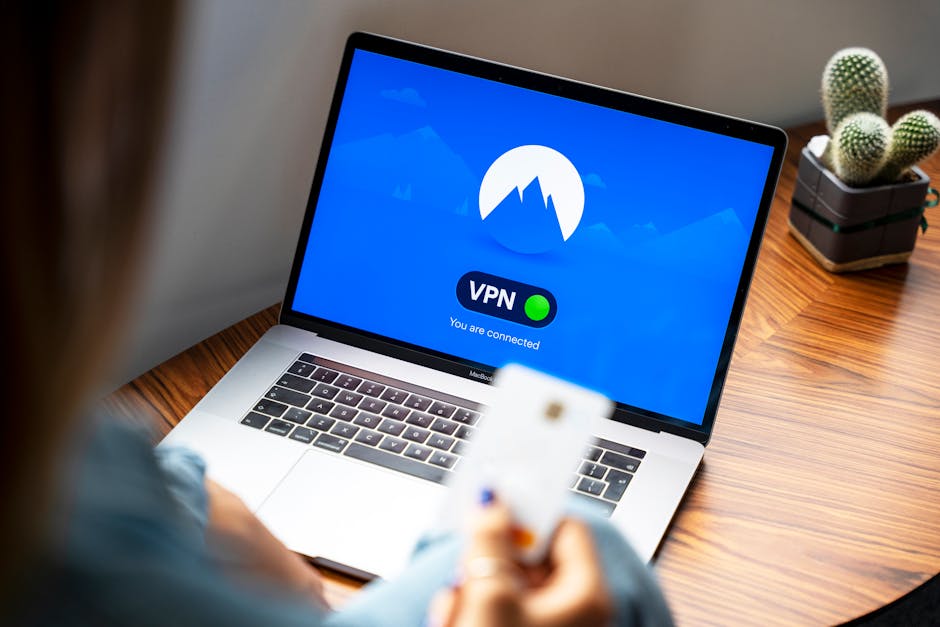
If you must use public Wi-Fi, consider using a Virtual Private Network (VPN). A VPN can encrypt your data, offering more protection against snoopers.
4. Review Privacy Settings on Social Media
Your social media accounts can reveal a lot about you. Make sure to review and adjust your privacy settings.
Limit who can see your posts and personal information. This can greatly reduce the risk of unwanted attention.
5. Clear Your Browsing Data
Browsers save your browsing history, cookies, and cache, which can be used to track you online. Regularly clearing this data can enhance your privacy.
Most browsers have an option to do this easily in their settings.
Stay Informed About Data Breaches
Data breaches happen more frequently than we might like to think. Companies can lose sensitive data to hackers, putting your information in jeopardy.
Consider signing up for alerts from services like Have I Been Pwned. This site informs you if your email appears in any data breaches.
Use Privacy-Focused Browsers and Search Engines
Most popular browsers aren’t as privacy-focused as you might hope. There are alternatives that prioritize your online privacy.
Consider using browsers like Firefox, Brave, or search engines like DuckDuckGo. They don’t track your searches, giving you a more private browsing experience.
Conclusion
Online privacy may seem overwhelming, but it’s achievable with simple steps. By being aware and taking action, you can protect your personal information online.
Remember, your digital footprint matters. Stay mindful of what you share, and don’t hesitate to take control of your online privacy. An ounce of prevention is worth a pound of cure!