Introduction
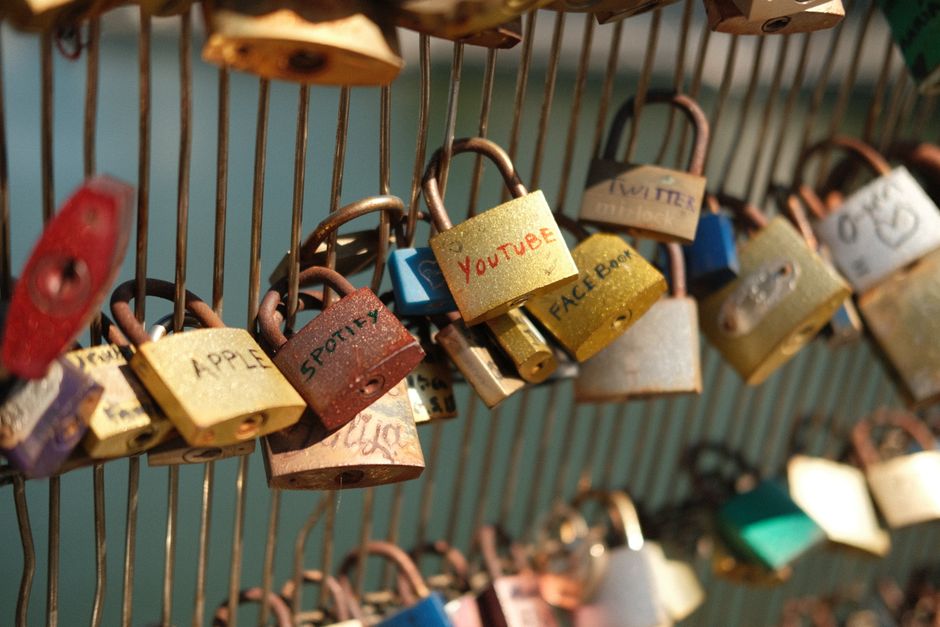
In our digital world, passwords are like the keys to our online lives. They unlock everything from our social media accounts to our bank details. But how often do we think about the strength and safety of these passwords? If you’re like most people, probably not enough!
This post will guide you through the essentials of password security, helping you understand why it matters and how to create passwords that won’t let hackers in.
Why Do Strong Passwords Matter?
Every day, cybercriminals are out there trying to access our accounts. They use various **tactics** to crack weak passwords, often gaining access within minutes. A strong password is your first line of defense.
Think about it: if your password is easy to guess, you’re practically inviting trouble. Using a strong password makes it significantly harder for anyone to break into your accounts.
What Makes a Strong Password?
A strong password typically includes:
- At least 12-16 characters
- A mix of uppercase and lowercase letters
- Numbers and special symbols (like !, @, #)
- A string that isn’t easily guessable (like your name or birthday)
Using these elements helps create a password that’s unique and difficult for others to guess.
Common Mistakes to Avoid
Many people engage in habits that jeopardize their security. Let’s look at some common pitfalls:
- Reusing passwords: Using the same password across multiple sites can lead to multiple accounts being compromised at once if one site is hacked.
- Using personal information: Avoid using obvious information, like your name, birthdate, or pet’s name, since these can be easy for someone to discover.
- Keeping it short: Short passwords, even if complicated, are easier to crack than longer ones.
Being aware of these mistakes can help you strengthen your security and keep hackers at bay.
How to Create Strong Passwords
Let’s dive into some practical tips for making strong passwords. Creating a strong password can be simple if you follow a few guidelines:
- Use a passphrase: A passphrase is a series of words or a sentence. For example, “MyDogLovesToPlayFetch!” is far more secure.
- Randomize: Use a password generator to create random passwords. Many password managers have this feature.
- Think outside the box: Use arbitrary but memorable associations—like a favorite book character and a date that means something to you.
These techniques will help you create stronger passwords without needing to memorize complex strings.
Managing All Those Passwords
Remembering multiple strong passwords can become overwhelming. Here’s where password managers come in handy. They can generate and store all your passwords securely.
With a password manager, you only need to remember **one master password**. They often have additional features, like:
- **Automatic form-filling** for websites
- **Password sharing** with trusted contacts
- **Alerts for data breaches** related to your accounts
Using a password manager can save you time and energy while keeping your accounts secure.
When to Change Your Password
Even with strong passwords, it’s essential to change them periodically. Here are some instances when you should definitely change your password:
- If you suspect that your account may have been compromised
- When a service you use has reported a data breach
- If you’ve shared your password with anyone
By changing passwords regularly, you’re adding an extra layer of security.
Conclusion
Your passwords are the keys to your digital life. Taking the time to create strong, unique passwords is crucial in safeguarding your information. It’s simple: the stronger your password, the safer your accounts will be.
So, take a moment today to evaluate your passwords. Are they strong enough? If not, now is the time to act. You’ll be glad you did!