Introduction
We live in a digital world where our lives are intertwined with the internet. From shopping to socializing, we share a vast amount of information online. But have you ever paused to think about your **online privacy**?
In this blog post, we will discuss what online privacy is, why it matters, and how you can protect yourself from prying eyes. Let’s dive in!
What is Online Privacy?
Online privacy refers to the ability of individuals to control how their personal information is collected, used, and shared on the internet. It’s about keeping your information safe from hackers, governments, and even companies that wish to exploit it.
Every time you use a website or an app, there’s a chance that your data could be collected. This can include everything from your search history to your location. Understanding your online privacy is essential for being a smart internet user.
Why Does Online Privacy Matter?
Online privacy is crucial for several reasons:
- Security: Protecting your personal data helps prevent fraud and cybercrimes.
- Control: You deserve to control who sees your information and how it’s used.
- Freedom: Privacy allows you to browse the internet without fear of judgment or surveillance.
- Identity Protection: Keeping your information safe helps guard against identity theft.
When you neglect your online privacy, you expose yourself to countless risks. But don’t worry, there are steps you can take to protect yourself!
Tips to Enhance Your Online Privacy
Here are some simple yet effective ways to safeguard your privacy online:
1. Use Strong Passwords
One of the easiest ways to protect your accounts is by using **strong passwords**. A good password should:
- Include at least 12 characters
- Mix letters, numbers, and symbols
- Avoid common words and phrases
Consider using a password manager to help generate and store complex passwords securely.
2. Enable Two-Factor Authentication
Two-factor authentication (2FA) is an added layer of security. It requires not just a password but also a second method of verification, such as a text message or an app notification.
By enabling 2FA, you significantly reduce the risk of unauthorized access to your accounts.
3. Be Cautious with Sharing Personal Information
Think before you share!
Be mindful of what personal information you share online. Avoid posting sensitive details like your full address, phone number, or financial information on social media or public forums.
4. Use a Virtual Private Network (VPN)
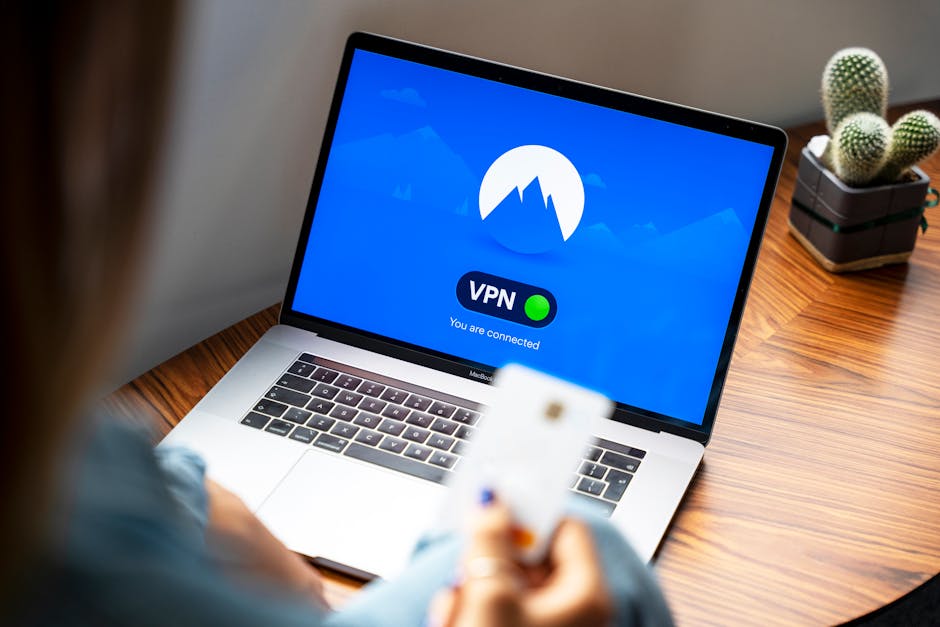
A VPN encrypts your internet connection, making it harder for anyone to snoop on your online activities. It’s especially useful when using public Wi-Fi networks.
When choosing a VPN, opt for a reputable provider with a good track record of protecting users’ privacy.
5. Adjust Privacy Settings on Social Media
Social media platforms often have privacy settings that allow you to control who can see your posts and personal information. Take the time to adjust these settings to enhance your privacy.
Make sure to regularly check and update your settings as these platforms occasionally change their privacy policies.
6. Regularly Review Your Online Accounts
Check your online accounts occasionally to see what information you have shared and adjust your settings accordingly. Delete any accounts you no longer use, as these can be a vulnerability.
What to Do If Your Privacy is Compromised
No matter how careful you are, there’s always a chance that your privacy can be compromised. Here are some steps to take:
- Change Your Passwords: Immediately change passwords for any compromised accounts.
- Enable Alerts: Set up alerts for any suspicious activity on your accounts.
- Monitor Your Credit: Keep an eye on your credit report for unauthorized activities.
Conclusion
Your online privacy matters more than ever in today’s digital landscape. By taking proactive steps to secure your information, you can help protect yourself from potential threats. Remember, staying safe online is an ongoing process, but the effort is well worth it!
So, are you ready to take control of your online privacy? Start implementing these tips today, and enjoy a safer digital experience!