Introduction
We’ve all heard the saying, “knowledge is power,” but when it comes to our online security, this couldn’t be more true. One of the most important things you can do to protect your online accounts is to create and maintain strong passwords. In this blog post, we’ll uncover the secrets of ultimate password security and share tips that everyone can use to keep their accounts safe.
Why Passwords Matter
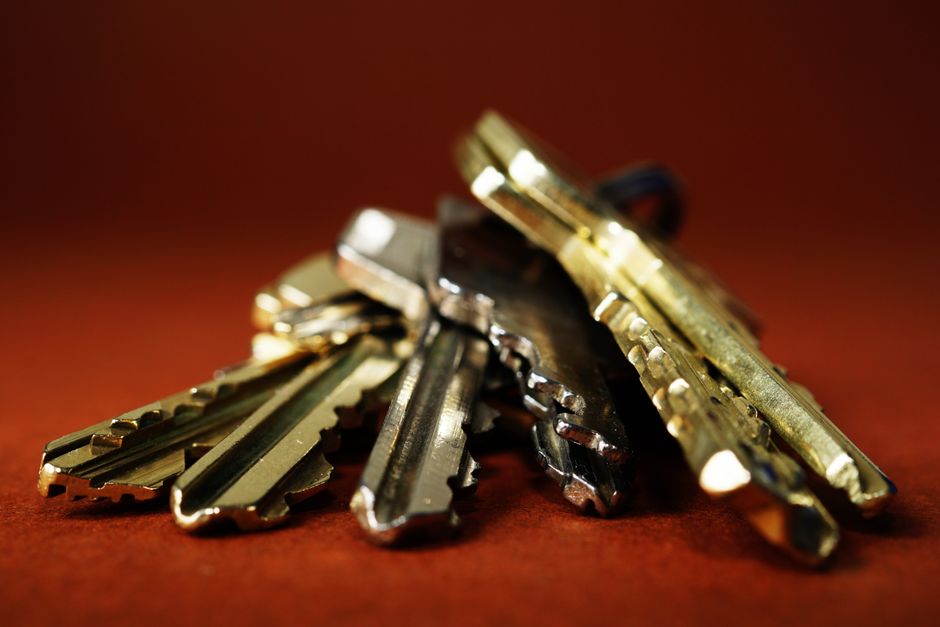
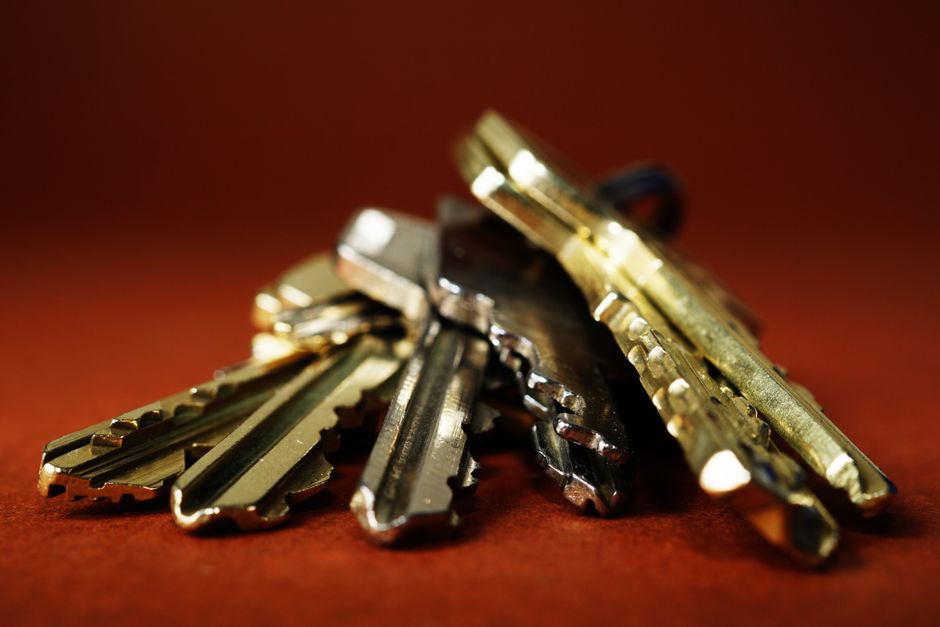
Passwords are like the keys to your online world. They grant access to your email, social media, bank accounts, and more. If someone gets hold of your password, they can easily impersonate you or even take over your accounts. That’s why having a strong password is essential for everyone who uses the internet.
What Makes a Password Strong?
A strong password isn’t just about length; it’s also about complexity and unpredictability. Here are some characteristics of a strong password:
- Length: Aim for at least 12-16 characters.
- Complexity: Use a mix of uppercase letters, lowercase letters, numbers, and special characters.
- Unpredictability: Avoid common words, phrases, and sequences.
Think of your password as a combination lock. The more unique and complicated your combination, the harder it is for someone to break in.
How to Create Strong Passwords
Creating strong passwords might sound tough, but it can be quite straightforward. Here’s how you can do it:
- Use a Passphrase: Instead of a single word, use a phrase—something like “MyDogLovesToBark@Night97!” This is longer and easier to remember.
- Incorporate Numbers and Symbols: Sprinkle in some numbers and symbols, but make sure they fit logically. For instance, “!loveCats2023!” is better than “cats123”.
- Avoid Personal Information: Your name, birthday, or anything easily linked to you should not be part of your password.
Password Managers: Your New Best Friend
Feeling overwhelmed with creating and remembering strong passwords? Don’t worry—password managers can help! These tools securely store your passwords and can even generate strong ones for you. All you need to remember is one master password.
The Dos and Don’ts of Password Security
To further protect your online presence, follow these simple dos and don’ts:
Dos:
- Change Passwords Regularly: Update your passwords every few months.
- Enable Two-Factor Authentication: This adds an extra layer of security by requiring another form of verification.
- Be Wary of Password Resets: If you receive a password reset email that you didn’t request, act quickly!
Don’ts:
- Reuse Passwords: Don’t use the same password across multiple accounts.
- Share Passwords: Keep your passwords private—don’t share them, even with friends.
- Use Predictable Patterns: Avoid sequences like “123456” or “password”—they’re too common and easily guessed.
What to Do If Your Password Is Compromised
If you suspect that your password has been compromised, it’s essential to act fast. Here are the steps you should take:
- Change Your Password Immediately: Use a strong password that you haven’t used before.
- Review Account Activity: Check for any unauthorized activities on your account.
- Enable Alerts: Set up account notifications for any unusual login attempts or account changes.
Conclusion
Password security is an integral part of our online safety. By creating strong, unique passwords and following good security habits, you can greatly reduce your risk of falling victim to cyber threats. Remember, passwords are your first line of defense—don’t underestimate them! Protecting your online world is as easy as mastering your passwords.