
Introduction
Have you ever received an email that looked a bit off? Maybe it came from your bank or a popular online store, but something didn’t feel right. This could be a classic case of a phishing scam.
Phishing is more common than ever, and learning how to spot these scams is essential for protecting yourself and your personal information. In this blog post, we’ll break down what phishing is, how to identify it, and what to do if you encounter a phishing attempt.
What Is Phishing?
Phishing is a type of cyber attack where criminals try to trick you into giving them sensitive information, such as your passwords, credit card numbers, or even your social security number.
These attackers often impersonate trustworthy organizations, using fake emails or websites that look real. The goal? To deceive you into clicking a link or providing personal details.
Common Types of Phishing
Phishing scams can take many forms. Here are a few common types you should be aware of:
- Email Phishing: These are the most common type of phishing attempts where you receive fraudulent emails.
- SMS Phishing (Smishing): Some scammers use text messages to trick you.
- Voice Phishing (Vishing): Attackers might call you and pretend to be from a reputable organization to get information.
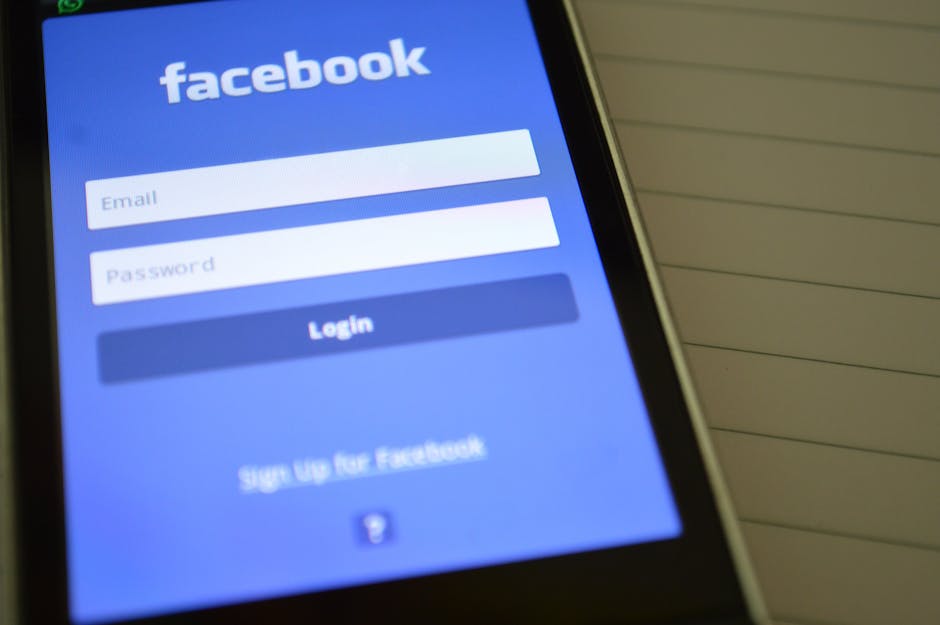
- Website Phishing: Fake websites that look identical to genuine ones prompt you to enter your password or credit card details.
How to Spot a Phishing Email
Now that you know what phishing is, how do you recognize it when you see it? Here are some tell-tale signs:
- Generic Greetings: Watch out for emails that start with “Dear Customer” instead of your name.
- Unexpected Requests: Legitimate companies rarely ask for sensitive information via email.
- Poor Grammar and Spelling: Many phishing emails contain errors that should raise a red flag.
- Urgency: Scammers often create a sense of urgency, pushing you to act quickly without thinking.
If you see any of these signs, proceed with caution. It might be a phishing attempt.
What Should You Do if You Suspect a Phishing Attempt?
If you suspect that you’ve received a phishing email, here are the steps to take:
- Do Not Click Any Links: Resist the urge to click on any links in the email.
- Verify the Sender: Check the email address carefully. Often, it will be slightly misspelled or have an unusual domain.
- Report the Email: Most companies have a report feature for fraudulent emails. Use it!
- Delete the Email: If you’re certain it’s phishing, delete it without engaging.
Protecting Yourself Against Phishing
Prevention is always better than cure. Here are some proactive measures to safeguard yourself:
- Use Antivirus Software: Keep it updated to protect against malicious attacks.
- Enable Two-Factor Authentication: This adds an extra layer of security to your accounts.
- Be Cautious with Personal Information: Never share personal information unless you are certain of the recipient’s identity.
- Educate Yourself: Stay informed about the latest phishing techniques and scams.
Conclusion
Phishing is a significant threat in today’s digital world, but with awareness and caution, you can protect yourself from falling victim to these scams. Always remember to stay vigilant when checking your emails and messages.
By knowing how to spot phishing attempts and implementing protective measures, you can navigate the online world more safely. Stick to the best practices we discussed, and you’ll be much better equipped to avoid these digital traps!