
Introduction
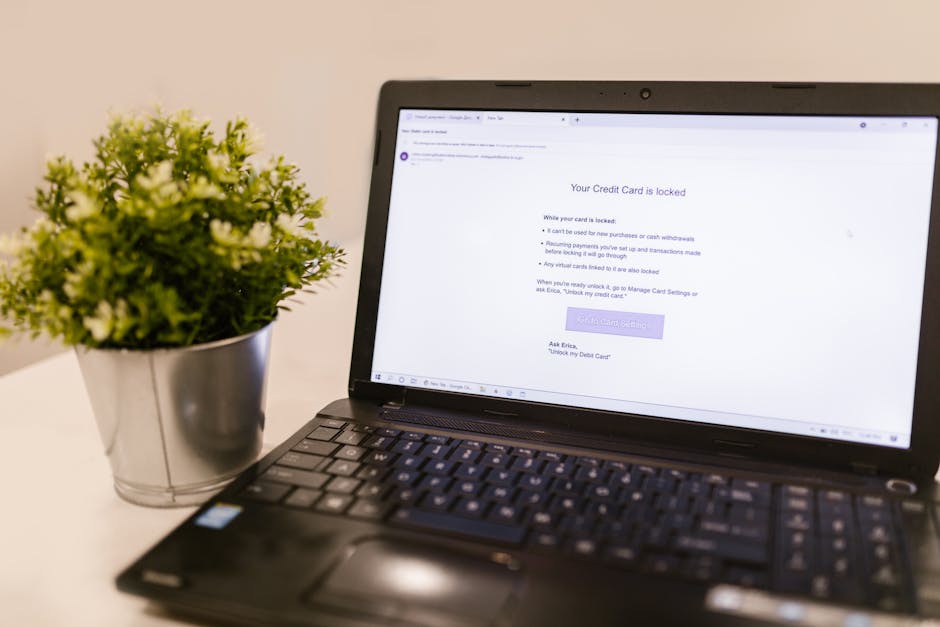
Imagine checking your email one day and finding a message that looks just like it’s from your bank. You feel a little rush of panic because there’s an urgent alert about your account. You click the link, quickly enter your password, and then—bam! You’ve fallen for a scam. This is what happens with phishing attacks, and they’re more common than you might think.
What is Phishing?
Phishing is a type of cyber attack where scammers try to trick you into giving up personal information, like your passwords or credit card numbers. They often do this by sending emails, texts, or social media messages that look legitimate.
These messages often create a sense of urgency. It could be an email about a security alert or a great deal that’s about to expire. If you’re not careful, you might just click without thinking!
Why Are Phishing Attacks So Common?
There are a few reasons why phishing is so popular with cybercriminals:
- It’s Easy to Do: Creating fake emails or websites is relatively simple. Even someone without much tech knowledge can pull it off.
- Low Risk for Scammers: Scammers can operate from anywhere in the world, making it hard to catch them.
- People Don’t Expect It: Many people think they are smart enough to recognize scams, which can make them more vulnerable.
Signs of a Phishing Email
So how can you tell if an email is phishing? Here are some red flags to watch out for:
- Generic Greetings: Phishing emails often start with “Dear Customer” instead of your name.
- Unusual Email Addresses: Check the sender’s address carefully. Is it from the actual company?
- Urgent Language: Be suspicious of emails that create a sense of panic or urgency.
- Spelling and Grammar Mistakes: Look for typos or awkward phrases. Many scammers don’t use proper grammar.
What to Do If You Suspect Phishing
If you think you’ve received a phishing email, here’s what to do:
- Do Not Click Links: Avoid clicking any links or downloading attachments.
- Verify with the Source: Contact the company directly using a phone number from their official website.
- Report the Email: Many email providers have options to report spam or phishing attempts.
Protecting Yourself from Phishing
Here are some simple steps to protect yourself from phishing:
- Use Two-Factor Authentication: This adds an extra layer of protection, so even if someone gets your password, they can’t access your account without a second verification step.
- Be Cautious with Personal Information: Don’t share sensitive details unless you’re sure it’s necessary.
- Keep Software Up to Date: Regular updates can protect you from security vulnerabilities.
Conclusion
Everyone is a target when it comes to phishing scams. The best way to protect yourself is to stay informed and be cautious. If something doesn’t feel right, trust your instinct and investigate further. By being aware of how phishing works, you’ll be better equipped to recognize and avoid these dangerous scams.