
Introduction
In today’s digital world, passwords are like keys to our online lives. They protect everything from our social media accounts to our banking information. But how secure is your password? In this post, we’ll explore the importance of password security and how to create strong passwords to keep your online presence safe.
Why Password Security Matters
Think about how many passwords you use daily. It’s not just one or two; for most of us, it’s dozens! Each password is a gate to our personal and financial information. If a hacker steals just one password, it could lead to serious consequences.
In fact, countless people fall victim to identity theft and financial fraud because of weak or reused passwords. This is why strong password security is crucial.
What Makes a Password Strong?
A strong password isn’t just a random word. It should be tough to guess and even harder to crack. Here are some characteristics of strong passwords:
- Length: At least 12 characters long.
- Complexity: Includes uppercase letters, lowercase letters, numbers, and symbols.
- Unpredictability: Avoids common words and phrases, especially those related to you (like your name or birthday).
Tips for Creating Strong Passwords
Creating a strong password doesn’t have to be a chore. Here are some easy tips:
- Use a Passphrase: Think of a favorite quote or song lyric and combine it with numbers and symbols. For example, “I love pizza” could become “IL0veP!zzA2023!”
- Mix It Up: Combine unrelated words, such as “DogChair@Fish12” so it’s easier to remember, yet complex enough to thwart attackers.
- Don’t Reuse Passwords: Use unique passwords for different accounts. If one is compromised, the others remain secure.
Storing Your Passwords Securely
Once you’ve created strong passwords, you have to remember them! Here are some ways to securely store your passwords:
- Password Manager: Consider using a trusted password manager that can generate and store complex passwords for you.
- Write Them Down: If you prefer to keep it simple, you can write down your passwords in a secure place. Just make sure no one else can find it!
Two-Factor Authentication: An Extra Layer of Protection
Want to add an extra layer of security to your accounts? Try two-factor authentication (2FA). This feature requires not only your password but also a second piece of information—like a code sent to your phone. Even if someone steals your password, they won’t be able to access your account without that second code.
Recognizing Phishing Attempts
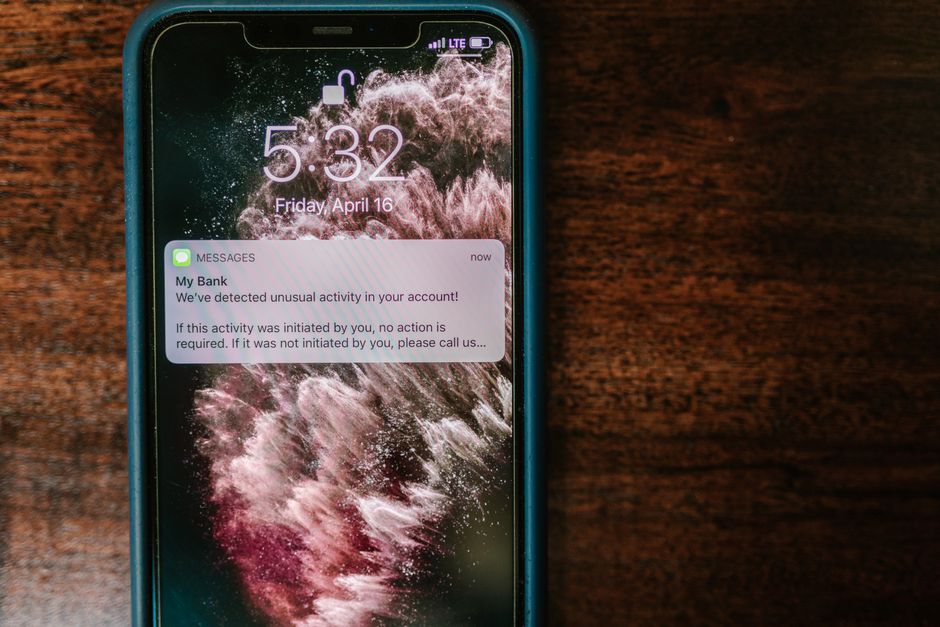
Password security goes beyond just creating strong passwords. Be on the lookout for phishing attempts—messages that trick you into giving away your password. Here’s how to spot them:
- Unexpected Emails: Don’t trust emails from unfamiliar sources, especially if they request personal information.
- Check for Spelling Errors: Many phishing emails have typos. Legitimate companies usually proofread their emails.
- Hover Over Links: Before clicking, hover over any link to see its real destination. If it looks suspicious, don’t click it!
Regularly Update Your Passwords
It’s a good practice to update your passwords regularly. Set a reminder every three to six months to change them. This way, even if someone has gotten into your account, they won’t have access for long.
Conclusion
Password security should never be taken lightly. With strong passwords, unique combinations, and added layers of security, you can greatly reduce your risk of online threats. Remember, your password is your first line of defense. Keep it strong and stay safe online!