Introduction
Have you ever wondered how safe your online activities really are? Every time you browse the internet, share photos, or shop online, there’s a chance your personal information could be at risk. But there’s a tool that can help you protect your privacy: the VPN, or Virtual Private Network. In this blog post, we’ll dive into what a VPN is, how it works, and why you might want to consider using one.
What is a VPN?
A VPN is a service that creates a secure, encrypted connection between your device and the internet. Think of it as a secure tunnel for your data. When you use a VPN, all the information you send and receive is wrapped in a protective shell, making it nearly impossible for others to see what you’re doing online.
How Does a VPN Work?
When you connect to a VPN, it directs your internet traffic through a remote server. Here’s how it works:
- Your device connects to the VPN server.
- Your data is encrypted before it leaves your device.
- The encrypted data travels to the VPN server.
- The VPN server decrypts the data and sends it to its final destination (like a website).
This process helps keep your online activities private from your internet service provider and anyone trying to snoop on your connection.
Why Use a VPN?
Now you might be asking, “Why do I need a VPN?” There are several reasons why using a VPN is beneficial.
1. Enhanced Privacy
Every time you browse online, your internet service provider logs your activity. This means they can see which websites you visit, how long you stay, and more. A VPN hides this information by masking your IP address.
2. Secure Public Wi-Fi
Using public Wi-Fi can be risky. Hackers often lurk on these networks, looking to steal your data. A VPN encrypts your internet connection, making it safer to browse or shop even on public networks.
3. Bypass Restrictions
Some websites and services are restricted based on your geographical location. A VPN allows you to appear as if you’re browsing from a different location, enabling access to content that may be blocked in your country.
Common Misconceptions about VPNs
While VPNs can provide enhanced security, some misunderstandings can lead to confusion.
Myth 1: VPNs Make You Completely Anonymous
While VPNs hide your IP address, they don’t make you 100% anonymous. Websites can still track you through cookies and other identifiers.
Myth 2: All VPNs Are the Same
Not all VPNs offer the same level of security or privacy. It’s important to choose a reputable provider that doesn’t log your data.
Choosing the Right VPN
With so many options available, selecting the right VPN can feel overwhelming. Here are some key points to consider:
- Privacy Policy: Make sure the VPN you choose has a strict no-logs policy.
- Speed: Be aware that using a VPN may slow down your internet speed. Look for providers with fast servers.
- Customer Support: Reliable customer service can be crucial if you run into issues.
Read reviews and do some research before buying to ensure you make the best choice for your needs.
How to Use a VPN
Using a VPN is usually straightforward. Here are the typical steps:
- Choose a VPN provider and sign up for a plan.
- Download and install the VPN application on your devices.
- Open the app and log in with your account.
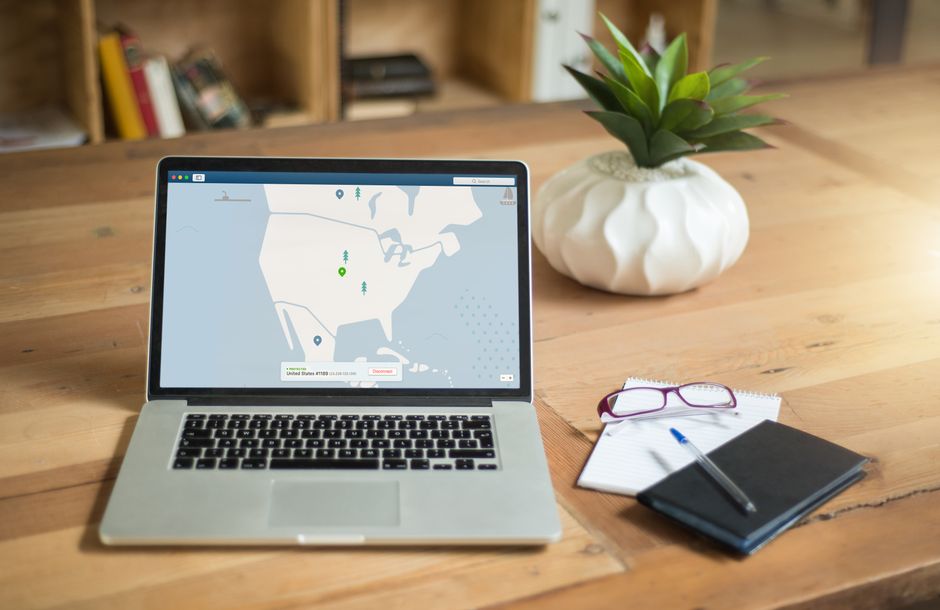
- Select a server, and click connect.
- Start browsing securely!
It’s often as easy as that! Most VPNs also have user-friendly interfaces that make connecting simple.
Conclusion
As our lives become increasingly digital, taking steps to protect our privacy is more important than ever. A VPN can help safeguard your online activities against prying eyes and unwanted snoopers. Whether you frequently use public Wi-Fi, want to access restricted content, or simply value your privacy, a VPN is worth considering. With a little research, you can find a VPN that fits your needs and start browsing the internet more securely today.