
Introduction
Have you heard the term ransomware buzzing around lately? If not, it’s time to pay attention. Ransomware is a type of malicious software that can take over your computer, lock your files, and demand payment to restore access. This can happen to anyone, and it’s one of the most urgent threats in the cybersecurity world today. In this post, we’ll explore what ransomware is, how it works, and most importantly, how you can protect yourself from it.
What is Ransomware?
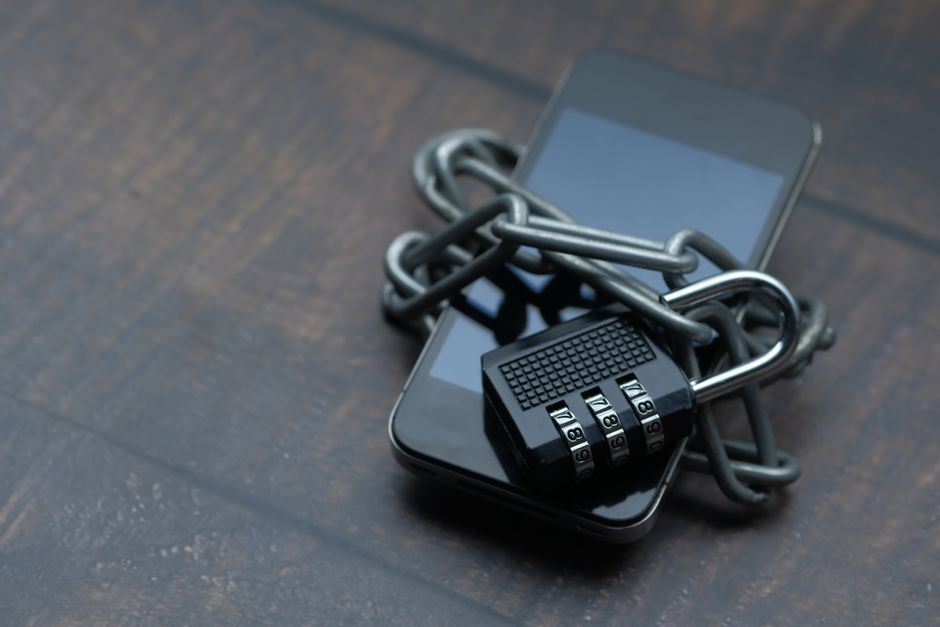
Ransomware is like a digital hostage situation. It gets into your computer, encrypts (or scrambles) your files, and then shows you a message saying you need to pay a fee to get your files back. The hackers behind this trick often use scary messages or countdown timers to pressure victims into paying quickly.
How Does Ransomware Spread?
Understanding how ransomware spreads is crucial for protecting yourself. Here are some common ways:
- Email attachments: Hackers often send emails with attachments that may look harmless. Once you click on them, the malware can infiltrate your system.
- Malicious websites: Some websites may look legitimate but are actually designed to deliver ransomware if you visit them.
- Unpatched software: If you don’t keep your operating system and applications updated, cybercriminals can exploit known vulnerabilities to install ransomware.
The Impact of Ransomware Attacks
The aftermath of a ransomware attack can be devastating. Not only could you lose access to important files, but you may also face financial losses if you decide to pay the ransom. Unfortunately, paying does not guarantee that you will get your files back. Many victims have reported being left in the dark after paying.
Real-World Examples
Several high-profile organizations have fallen victim to ransomware attacks:
- The Colonial Pipeline attack in 2021 disrupted fuel supply across the eastern United States.
- In 2020, the University of California, San Francisco, paid a ransom of over $1 million to regain access to its data.
- City governments, hospitals, and even schools have not been spared. Many have had to spend thousands, if not millions, on recovery efforts.
How to Protect Yourself from Ransomware
While the threats seem daunting, you can take several steps to protect your digital life:
1. Backup Your Data
Always keep a backup of your important files. Use external hard drives or cloud services to store copies of your data. Make sure these backups are not connected to your main computer system to avoid them being targeted by ransomware.
2. Use Trusted Security Software
Invest in reputable antivirus software that includes anti-ransomware features. This software can catch threats before they get a chance to encrypt your files.
3. Be Cautious with Email Links and Attachments
Think before you click. Even if an email seems to come from a friend or a legitimate company, verify it first. Look for signs of phishing, such as poor grammar or strange requests.
4. Keep Software Updated
Turn on automatic updates for your operating system and applications. This will help close security holes that hackers can exploit.
5. Enable Multi-Factor Authentication (MFA)
MFA adds an extra layer of security. Even if a hacker gets your password, they would still need a second form of identification to access your accounts.
What to Do If You Get Infected
If you do fall victim to ransomware, it’s essential to stay calm. Here’s what you can do:
- Don’t pay the ransom: There’s no guarantee that paying will help you recover your files.
- Disconnect from the Internet: This can help prevent the spread of ransomware to other devices in your home or workplace.
- Contact a professional: Seek help from cybersecurity experts. They can provide guidance on how to handle the situation.
- Report the incident: Notify the authorities and local law enforcement about the attack.
Conclusion
The threat of ransomware is real, but you don’t have to live in fear. By taking proactive steps and staying informed, you can protect yourself from becoming a victim. Remember, your digital life is precious—don’t let ransomware hold it hostage!