
Introduction
In today’s digital world, scams are everywhere, but one of the most popular and dangerous is phishing. You may have heard the term before, but do you really know what it means? In simple terms, phishing is a trick designed to steal your personal information using deceitful emails and websites.
What Is Phishing?
Phishing scams often appear legitimate. They usually come in the form of emails or messages that look like they are from a trusted source, such as your bank, a popular website, or even a friend. These messages encourage you to provide sensitive information like your passwords, credit card numbers, or social security numbers.
Types of Phishing Attacks
There are several forms of phishing attacks. Here are the most common:
- Email Phishing: This is the most recognized type. Scammers send emails pretending to be someone you know or a company you trust.
- Spear Phishing: These are highly targeted attacks, aimed at individuals or organizations, often using personalized information to seem legitimate.
- Whaling: This is a form of spear phishing that specifically targets high-profile individuals, like executives or important members of an organization.
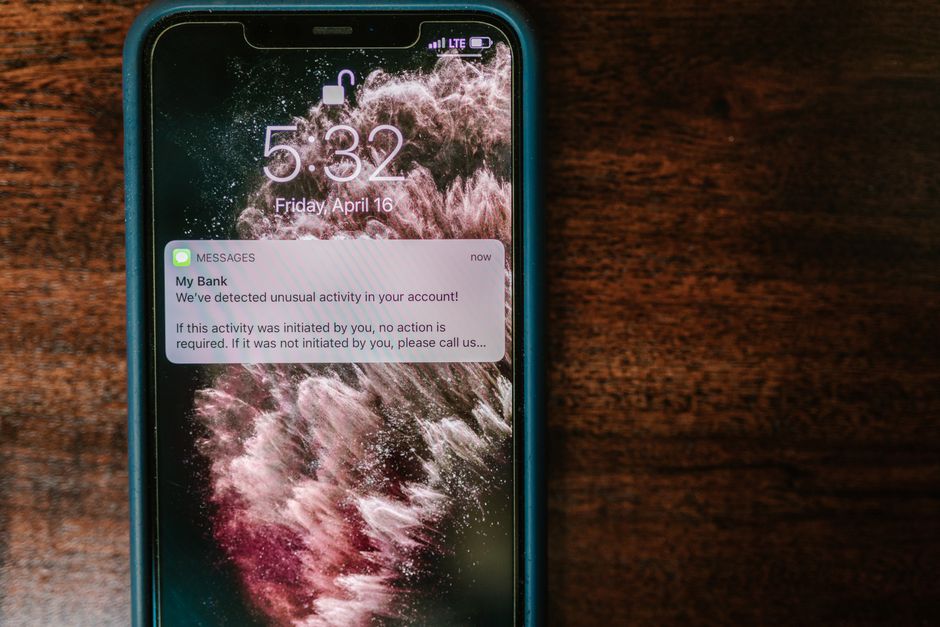
- Smishing: This is phishing done via SMS text messages. It works similarly to email phishing.
- Vishing: This is phishing that happens over the phone, where scammers often pretend to be from a bank or client support service.
How Phishing Works
Phishing works by exploiting human psychology. Attackers create a sense of urgency or fear, prompting you to take immediate action. For example, you might receive a message stating that your account will be suspended unless you verify your information.
When you click on a link in a phishing email, you might be directed to a website that looks almost identical to a legitimate one. However, the URL will often be slightly altered—this is a red flag!
Recognizing Phishing Attempts
Here are some tips to help you detect phishing attempts:
- Check the sender’s email address. Is it from a legitimate domain?
- Look for spelling and grammatical errors in the message.
- Be wary of urgent language that demands immediate action.
- Do not click on links or download attachments from unknown sources.
What to Do If You Fall for a Phishing Scam
If you suspect that you’ve fallen for a phishing scam, don’t panic. Here are steps you should take:
- Change Your Password: Immediately change your passwords for the compromised accounts.
- Enable Two-Factor Authentication: This adds an extra layer of security.
- Contact Your Bank: If you provided financial information, inform your bank so they can monitor your accounts.
- Report the Scam: Forward phishing emails to relevant authorities or organizations that handle such incidents.
Preventing Phishing Scams
Prevention is always better than cure. Here are a few tips to minimize your risk:
- Be Skeptical: Always question unsolicited requests for information.
- Keep Your Software Updated: Ensure your operating system and antivirus software are up to date.
- Use Strong Passwords: Create complex passwords and change them regularly.
- Use Email Filters: Many email providers offer phishing filters that can keep scams out of your inbox.
Conclusion
Phishing scams can happen to anyone. By staying informed and vigilant, you can protect yourself and your personal information. Remember, if something seems off, it probably is. Trust your instincts and always double-check before sharing sensitive information online.