Introduction
Password security is something we all hear about, but few of us truly grasp its importance. In today’s world, **strong passwords** act like the keys to our digital lives. With the rise of cyber threats, understanding how to create and manage these keys is more crucial than ever.
The Basics of Passwords
A password is simply a string of characters you use to log into accounts. But not all passwords are created equal. A weak password can be easily guessed or cracked by cybercriminals.
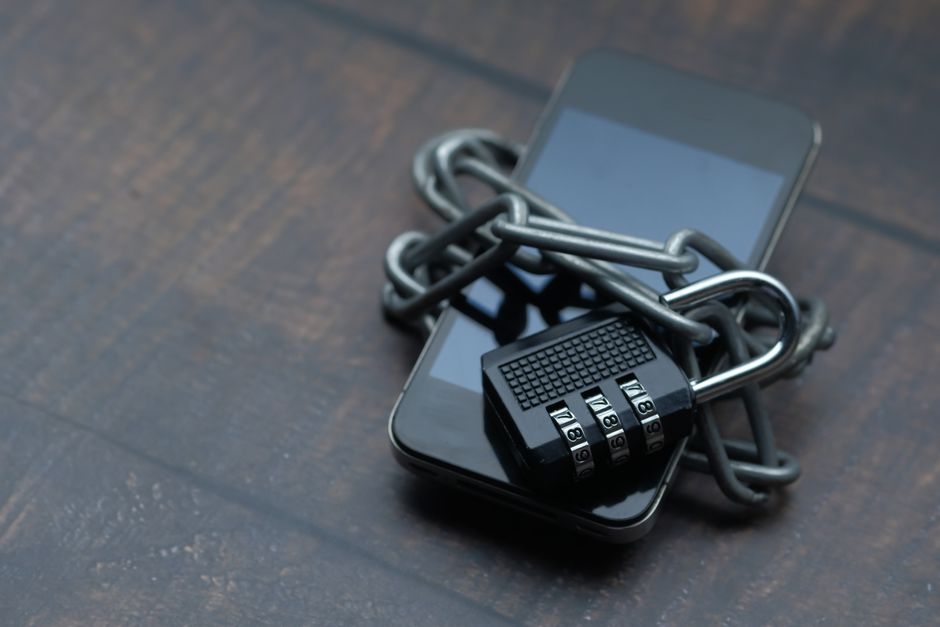
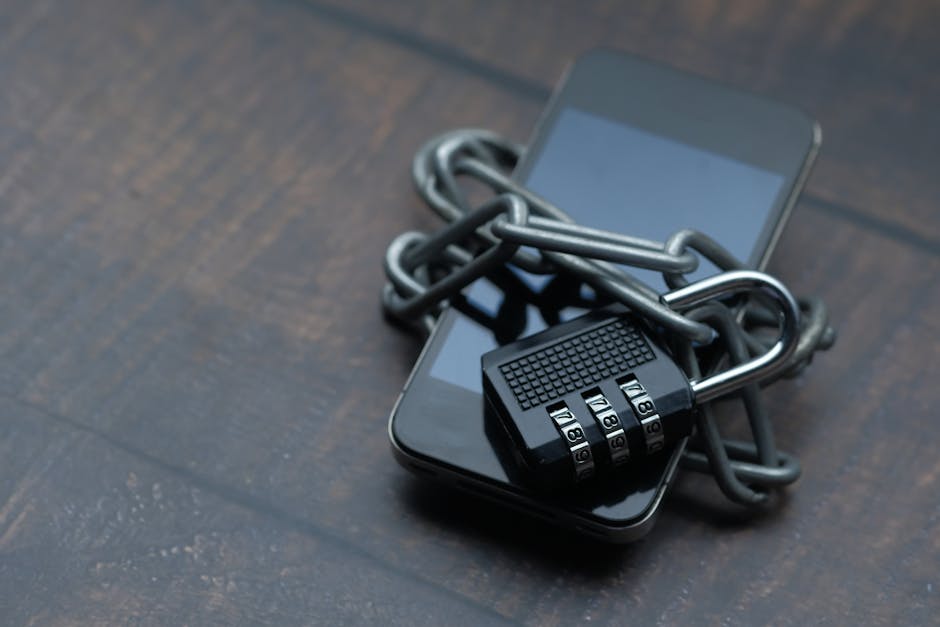
Think of a password as a lock on your front door. If you have a flimsy lock, anyone can break in. Likewise, weak passwords can **let hackers** into your online accounts.
What Makes a Strong Password?
So, how do we create strong passwords? Here are some essential tips:
- Length is Key: Aim for at least 12 to 16 characters.
- Mix It Up: Use upper and lower case letters, numbers, and special characters.
- Avoid Common Words: Don’t use easily guessable information like your name or birthday.
- Unique for Each Account: Never reuse passwords across different sites.
When creating a new password, try combining random words or phrases that only you would remember. For example, “**Sunshine!Giraffe3Dancing**” is much stronger than “password123.”
Understanding Password Managers
If keeping track of your numerous passwords feels overwhelming, consider using a **password manager**. This tool helps you store and manage your passwords securely. Here’s why you might want to use one:
- Convenience: You only have to remember one master password.
- Auto-fill Features: Password managers can fill in your login details automatically.
- Secure Sharing: Share passwords safely with trusted individuals.
Some popular password managers include LastPass, 1Password, and Bitwarden. They are often easy to set up and use, providing peace of mind.
Two-Factor Authentication: Adding Extra Protection
Even with strong passwords, hackers may still find ways to break in. That’s where **two-factor authentication (2FA)** comes into play. It adds an extra layer of security by requiring a second form of identification.
This could be a text message with a code sent to your phone, or a fingerprint scan. Think of it as needing both a key and an alarm to enter your home. With 2FA, even if someone steals your password, they still can’t access your account without the second factor.
The Danger of Public Wi-Fi
Public Wi-Fi can be super convenient, but it’s also risky if you’re not careful. Using public networks can expose your passwords and personal information to cybercriminals.
To protect yourself while using public Wi-Fi:
- Avoid Sensitive Transactions: Don’t log into your bank account or make online purchases.
- Use a VPN: A Virtual Private Network encrypts your internet connection.
- Forget the Network: Once you’re done, set your device to forget the public network.
Keeping Your Passwords Updated
Even the strongest passwords can become vulnerable over time. If a service you use experiences a data breach, change your passwords immediately. It’s also wise to periodically update your passwords for extra security.
Use a calendar reminder or a checklist to prompt you to change your passwords every few months. Think of it like changing the locks on your door if you’ve lost your key.
Recognizing Phishing Attacks
Even with strong passwords, you can fall victim to phishing attacks. This is when a cybercriminal pretends to be a trustworthy source to steal your information.
Be cautious of emails that:
- Urge urgency or immediate action.
- Require you to click on suspicious links.
- Ask for personal information.
Always verify the sender’s email address and look for signs of phishing before clicking on links or providing any sensitive data.
Conclusion
In today’s digital age, strong password security is essential. By following these tips—creating strong passwords, using password managers, enabling two-factor authentication, and being cautious online—you can better protect yourself from cyber threats.
Remember, it’s your responsibility to safeguard your online identity. So be your own digital bodyguard, and keep your passwords locked up tight!